New Feature: Automations

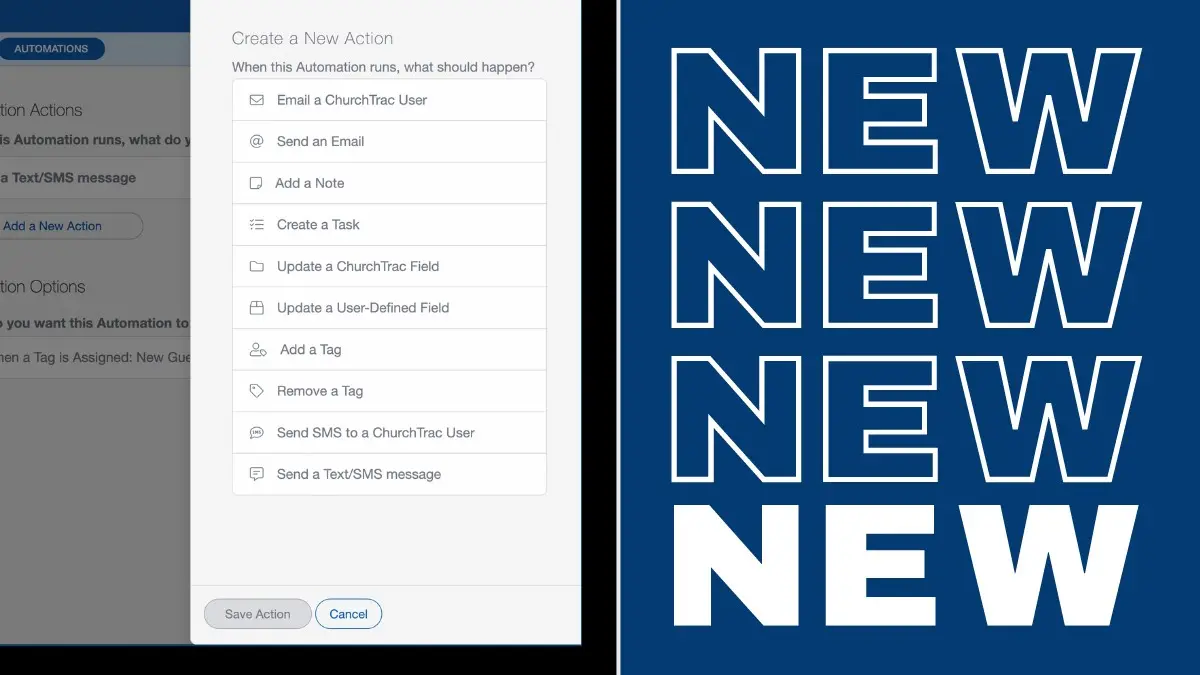
This year alone, we've come out with dozens of new features to help EQUIP your church to build the body of Christ. But there was still enough time to make just one more. Say hello to our latest (and maybe most powerful) feature yet: Automations.
What is Church Automation?
Automation is about working smart to get more things done. In ministry, this means using church automation software to do the mundane or repetitive admin tasks for you automatically. Things like sending follow-up emails, emailing a monthly giving report to the treasurer, text reminders to church leaders, adding tags, updating people fields, and a million other things that take up your time.
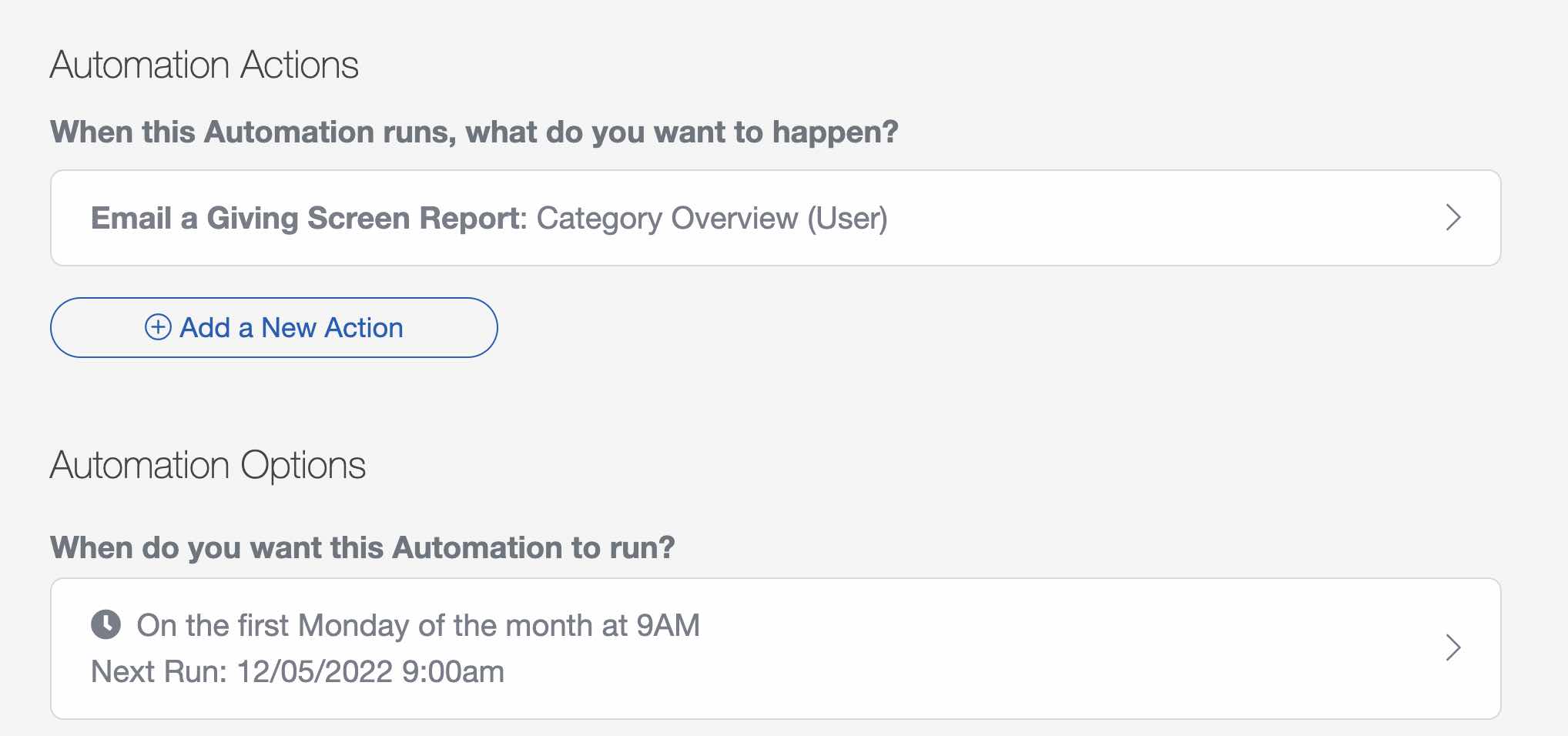
Here's an example of an automated report that gets sent to the treasurer every month 👇
What makes ChurchTrac Automations so great?
We made Automations to be Easy-To-Use (with pre-built templates) and Powerful (with deep customization for even the most advanced power users). Here's an automated birthday email that I added to my account in 20 seconds from a built-in template...
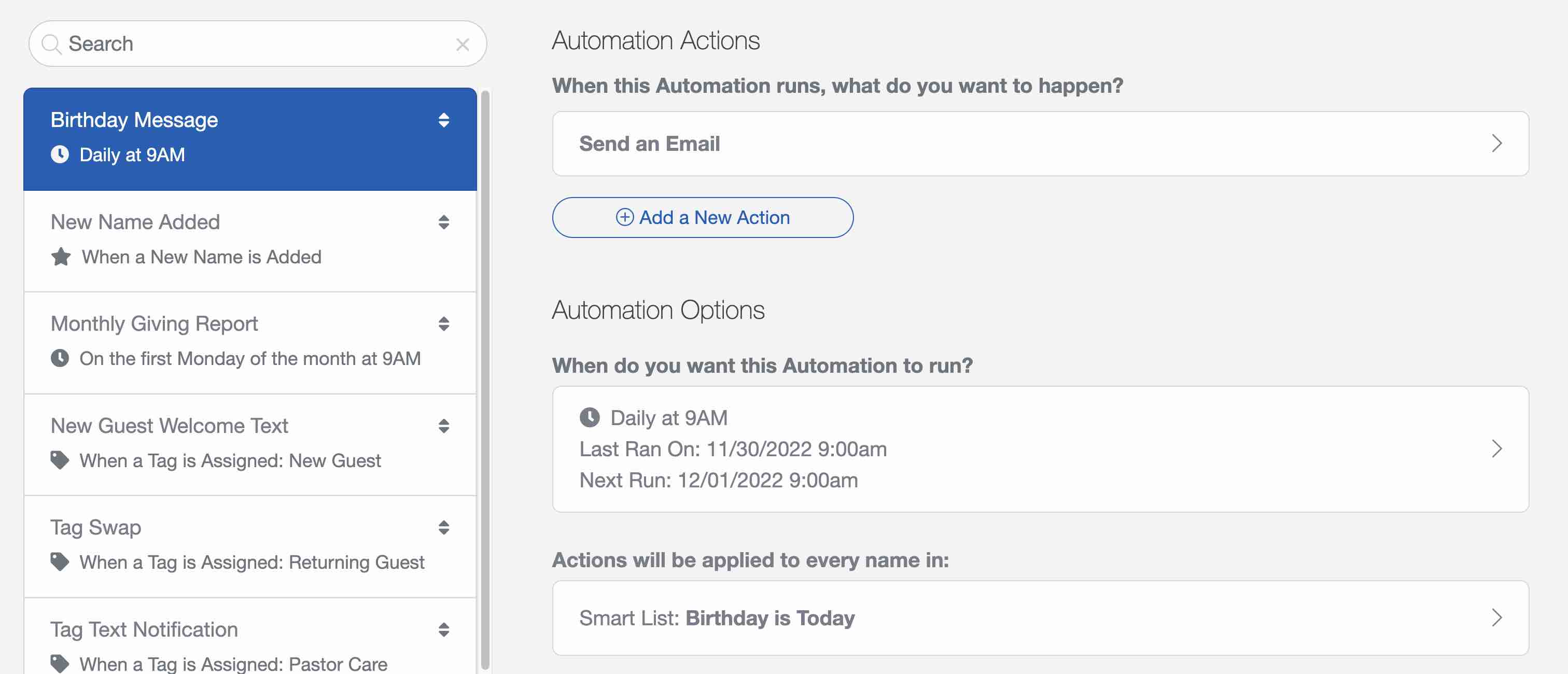
Seriously, that Birthday Message automation only took 20 seconds to make (I timed it)! Beyond automatic birthday messages, Automations can do things like...
- Automatically create a task for a leader when a specific tag has been assigned to a person
- Create recurring accounting transactions for all of your payees (Plus Subscriber Feature)
- Email a monthly absentee report to a pastor on the first Monday of the month
- Send a welcome text to a first-time guest on behalf of the pastor
How do I get started?
To get started using Automations, go to the Settings & Automations screen in the software and select the "Add" button to create your first automation.
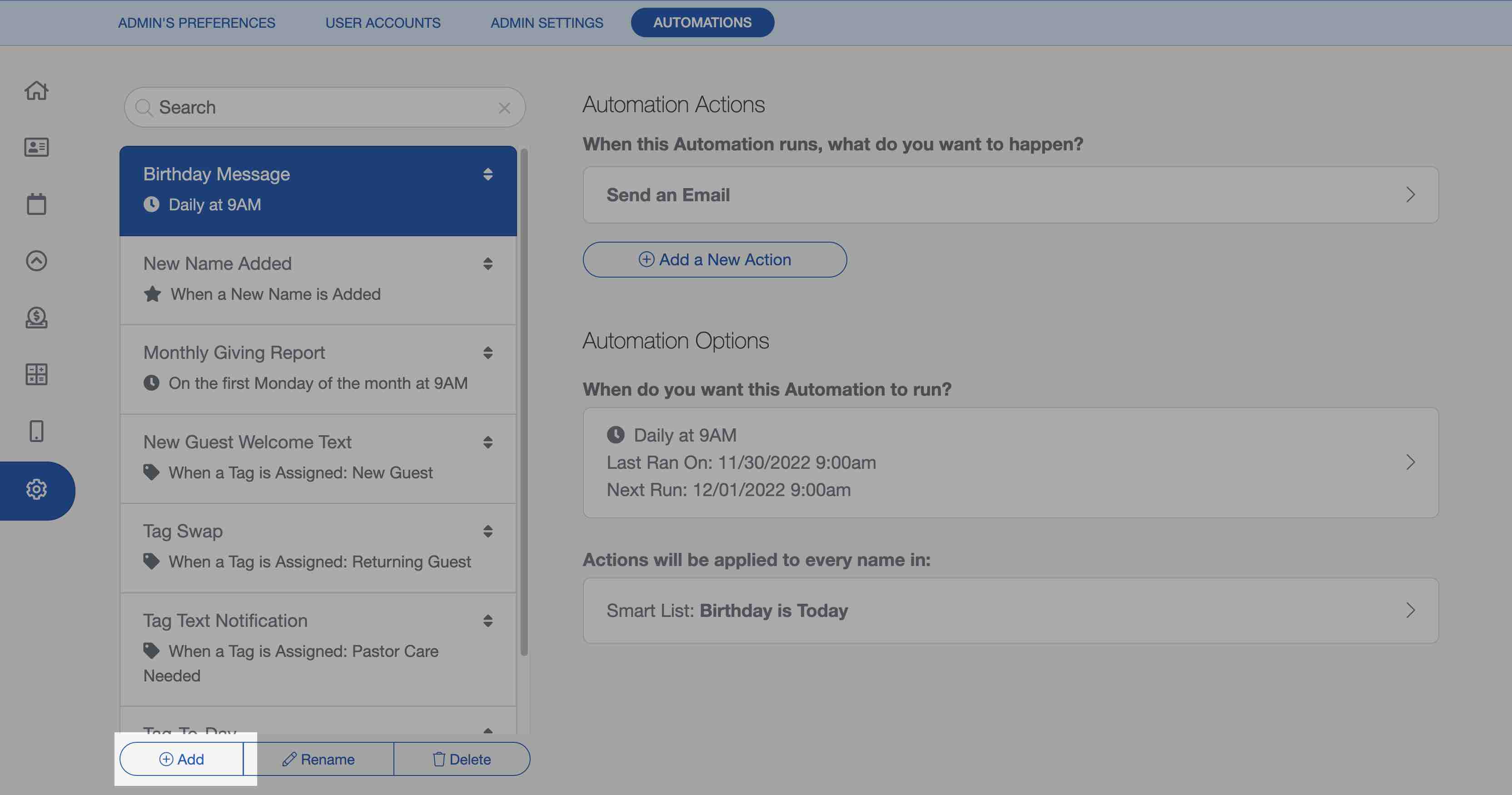
We've also got a user guide article that has a video, showing you how to create and manage your automations. Once you create a few, you'll be an automation pro in no time!
We can't wait to see what you build 😀