How To Create An Online Connect Card

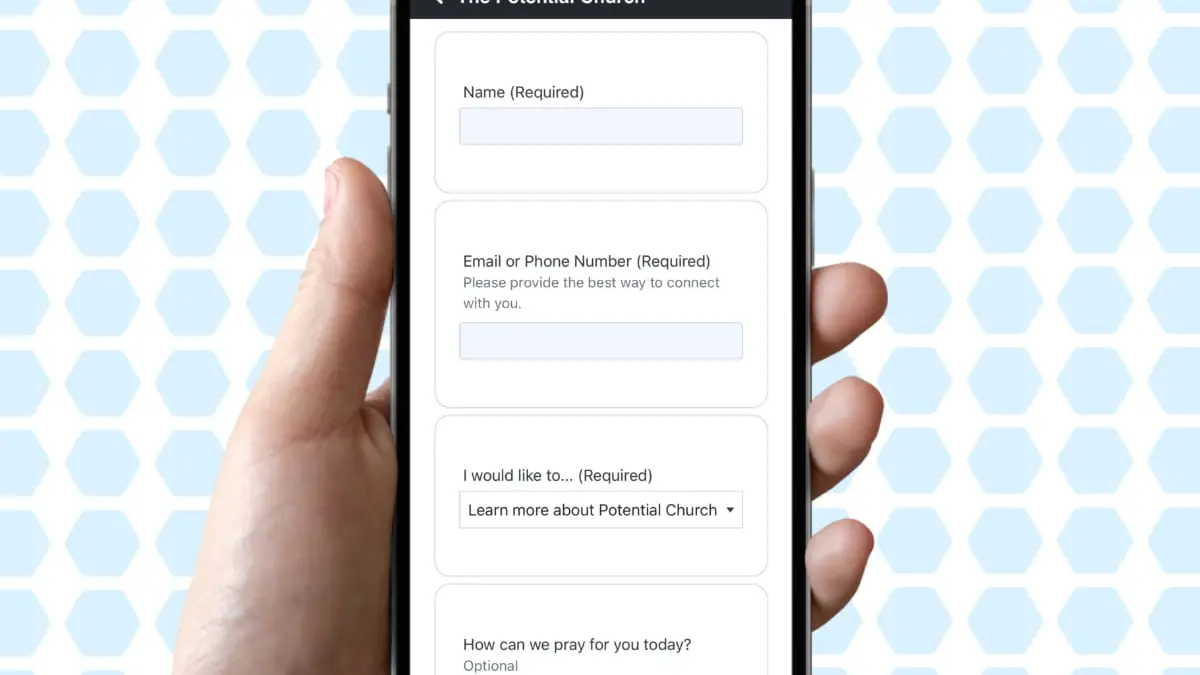
Thanks to QR codes and smartphones, it's sometimes easier for guests to fill out an online connection card than it is to complete a physical one. Let's talk about some of the benefits of virtual connection cards and how you can easily create one directly within ChurchTrac.
Going Virtual
I can speak from my own experience that it can be difficult to get people to do the one thing we want them to do with connection cards: actually fill them out. But going digital does have some benefits...
- Most of the people attending your church are familiar with QR codes (many now expect it)
- Digital connect cards are usually filled out faster than physical cards
- Responses for digital church forms are instant and emailed immediately
- Virtual connection cards will never get lost
How to create a Virtual Connect Card
- First, you need a Church Connect Page. If you have not created yours yet, start HERE ›
- After you've created your Connect Page, create a Form Card. Learn how HERE ›
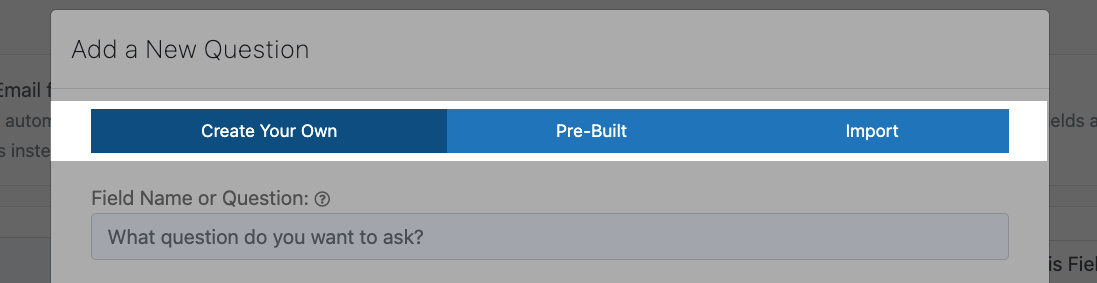
The process of creating a Form Card takes only minutes, thanks to the pre-build fields we offer and the ability to import fields you've made in the past.
Want Inspiration?
Check out our demo Church Connect page HERE › to see what these Form Cards can do for you.
Need more help?
Our "How To Create Church Forms (That Actually Get Filled Out)" webinar is packed with info & tips to create both physical and virtual forms for your church. Check it out below!