5 Common Church Website Mistakes (How to Fix Them)

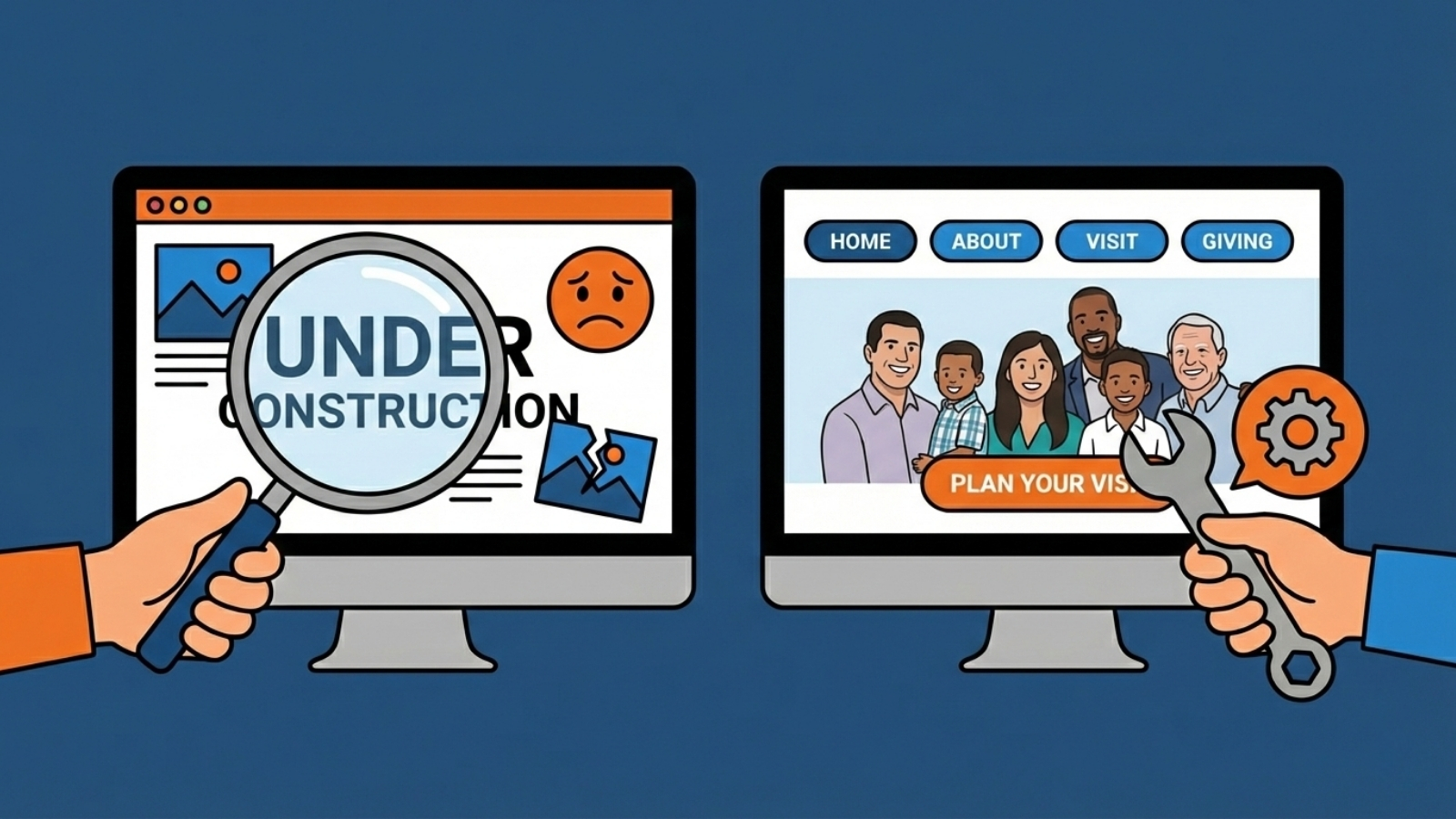
Just last year, I revamped over 200 church websites.
Here's my shortlist of the most common mistakes I see and how your church can easily fix them in an hour.
Key Takeaways: Most church websites fail in these 5 key areas:
- Member-Centric Design: Prioritizing current members over new guests.
- "Christianese" Jargon: Using language that confuses unchurched visitors.
- Poor Mobile Optimization: Failing to provide a good experience on phones.
- Outdated Information: Displaying old events or expired ministry news.
- Information Overload: Crowding the home page with too much content.
Mistake #1: The Website Focuses on Members, NOT Visitors
Building a website for members is the most common mistake churches make. It's actually the root of the other common mistakes.
Your members already know:
- How to navigate the campus
- What to expect at a worship service
- What time services start (even though many show up late)
- What your ministry terms mean
Guests don’t.
If someone walked into your building and couldn’t find the sanctuary, restrooms, or kids' area, you’d fix it with signage and key-placed volunteers. The same principle applies online.
How to fix it:
Structure your website around first-time questions. Service times, location, kids' information, and “What to Expect” content should never be hard to find. A "plan a visit" button or link should be seen in the first 2 seconds of visiting your site.

Mistake #2: Christian Jargon With No Explanation
Church leaders often forget how foreign church language can sound to someone who didn’t grow up in church. More specifically, your church.
Words like “fellowship hall,” “discipleship,” or ministry acronyms feel normal internally—but they require translation for guests. Confusion doesn’t always lead to questions; often, it leads to quiet disengagement.
Here's a great example I encountered with a real church:
This church named its youth ministry Overflow. The problem?
There was zero indication on their site what overflow was. Because of this, would-be guests with middle schoolers likely thought the church didn't have a youth group and decided to visit a different church!
How to fix it:
Use clear, everyday language. When church-specific terms are used, add a short explanation. This isn’t watering things down; it’s practicing clarity. Instead of just saying "Overflow", say "Overflow Youth Ministry".
Mistake #3: Mobile-Friendly Experience Is an Afterthought
Most churches focus primarily on their desktop website experience, with mobile design being an afterthought.
The problem? Roughly 62% of web traffic is mobile!
Parents are checking your website one-handed while holding a child. Guests are looking up directions in their car. If your website is difficult to use on a phone, they may never try again.
What I commonly see:
- Small text that is a challenge to read
- Menus that are hard to navigate
- Buttons that are difficult to tap (or won't tap)
- Carousels that take up the whole screen or take forever to load

How to fix it:
Build your church site with a mobile-first mindset, test pages regularly on a phone. If it’s frustrating for you, it’s frustrating for guests and risks making you look incompetent.

Mistake #4: Outdated Information Signals Disorganization
In church leadership, we understand how much trust matters. Outdated website content undermines that trust faster than most leaders realize.
Old events, old service times, or broken links subtly communicate, “Details aren’t a priority here.” I've revamped more sites than I can count with information about an "upcoming" potluck from 2+ years ago.
How to fix it:
Someone should be responsible for reviewing and updating the website regularly. A weekly 2-minute look over can help protect your site from having old events and also help you catch the occasional broken link or plugin (if you're using something like WordPress).
Pro Tip: When you update pages regularly on your site, it signals to Google and AI that your church is a happening spot and subtly increases your SEO Value.
Mistake #5: Information Overload
Churches are active places. There’s a lot happening. But when everything is highlighted, nothing is clear.
From a leadership perspective, focus matters. Guests and members don’t need to know everything—they need to know what to do next.
How to fix it:
Guide visitors intentionally instead of overwhelming them. If you spend a few minutes getting familiar with Hick's Law of Choice, it proves that every additional button, link, or paragraph you add to your homepage actually decreases the likelihood of a visitor taking action.

Bonus Mistake: Neglected Google Business Profile
One of the biggest mistakes churches make is neglecting to establish online legitimacy (of course, most cases are unintentional).
Here's a good test: Is your church visible online when people in your community search "Churches near me?" If not, there's an easy fix.
Creating a Google Business Profile is essential for churches that want to improve their online visibility, showcase photos, service times, and location, and build greater trust through Google Reviews.
Not only will this put your church on the map, but it will also build legitimacy with others that you're real people doing real ministry (and they can be a part of it). The best part about it is, it's totally free!
Pro Tip: Have your members leave Google Reviews about why they love your church!
Check out our article on How To Put Your Church on Google Maps to learn more (Hint: a Google Business Profile is the first step!)
FAQs: Common Church Website Mistakes
How often should a church update its website?
If your church's website is listing upcoming events, it should be updated weekly to stay current. Regardless of whether information changes, it's best to spend a quick few minutes weekly to make sure all pages on your site load properly on mobile and desktop devices.
What information matters most to first-time guests?
Service times, location, kids ministry details, what to expect, and how to get connected. If those answers aren’t obvious within seconds, guests may leave.
Is it okay to use church language on our website?
Yes—but sparingly and with explanation. Church language isn’t wrong; it just needs clarity. Assume guests are hearing these terms for the first time.
Do small churches really need to worry about their website?
Absolutely. Guests often expect more clarity from smaller churches because they don’t have staff on hand to answer questions. A simple, clear site is more effective than a complex one.
What’s the biggest website mistake churches make?
Designing for members instead of guests. When clarity becomes the priority, many other issues resolve naturally.