Recommended Check-In Setup [OLD]
To get the best user experience from Family Check-In, we have 3 recommended setups to ensure your check-ins run smoothly.
1. Family Check-In With Windows
If you are using a Windows PC for Check-In, we recommend using a PC laptop or desktop that is directly connected to your label printer via USB or Ethernet. A PC with a touch screen is ideal, as it is faster and better suited for Self Check-In Stations.

When using a PC, use Google Chrome Browser in Kiosk Mode. This will give users the best experience as it will hide print prompts. This is highly recommended for Self Check-In Stations as well.
2. Family Check-In With Mac
If you are using a Mac for Check-In, we recommend using a Mac laptop or desktop that is directly connected to your label printer via USB or Ethernet.
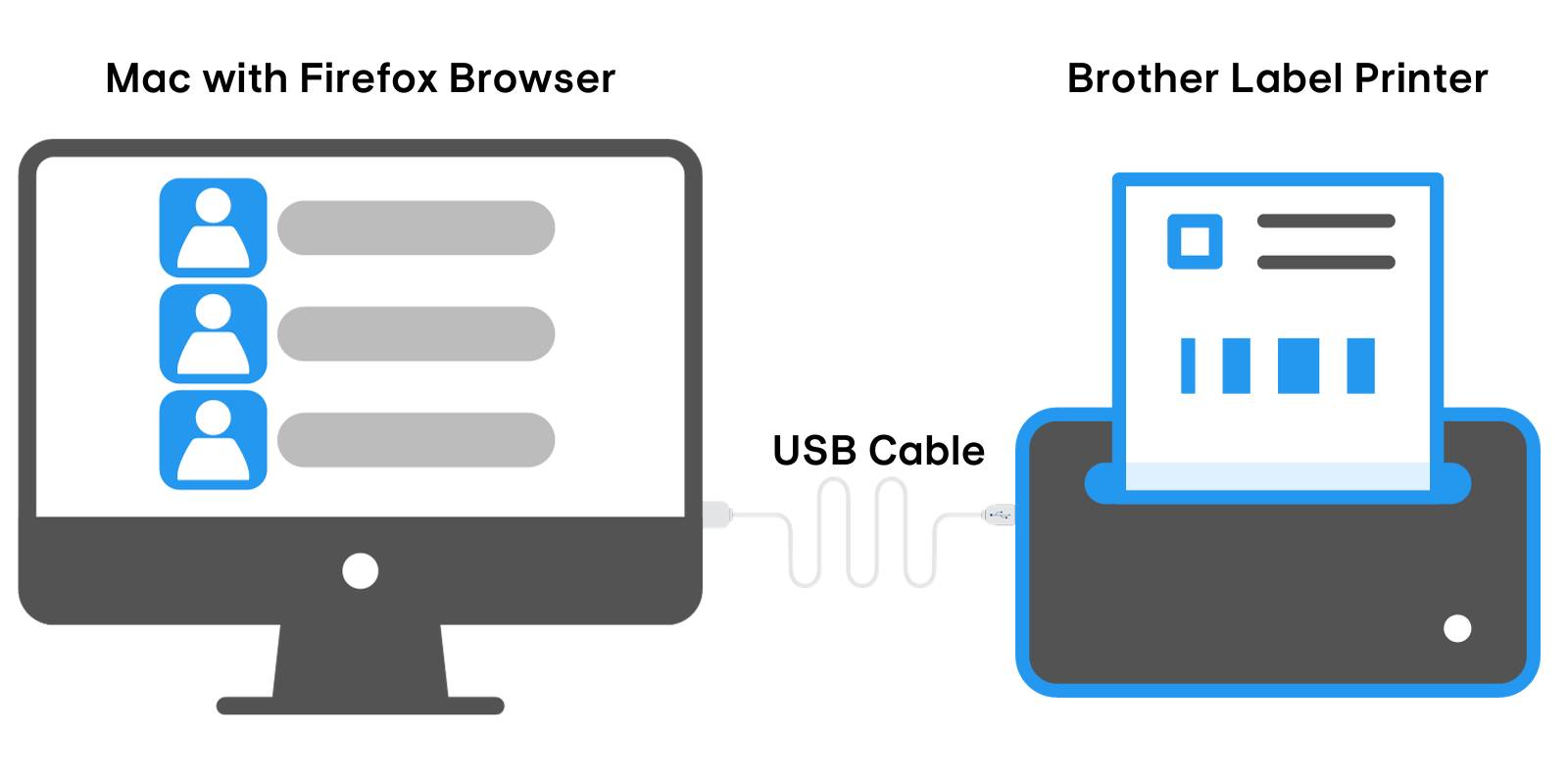
When using a Mac, use Mozilla Firefox with Silent/Background Printing enabled. This will give users the best experience as it will hide print prompts. This is highly recommended for Self Check-In Stations as well.
3. Family Check-In With iPad
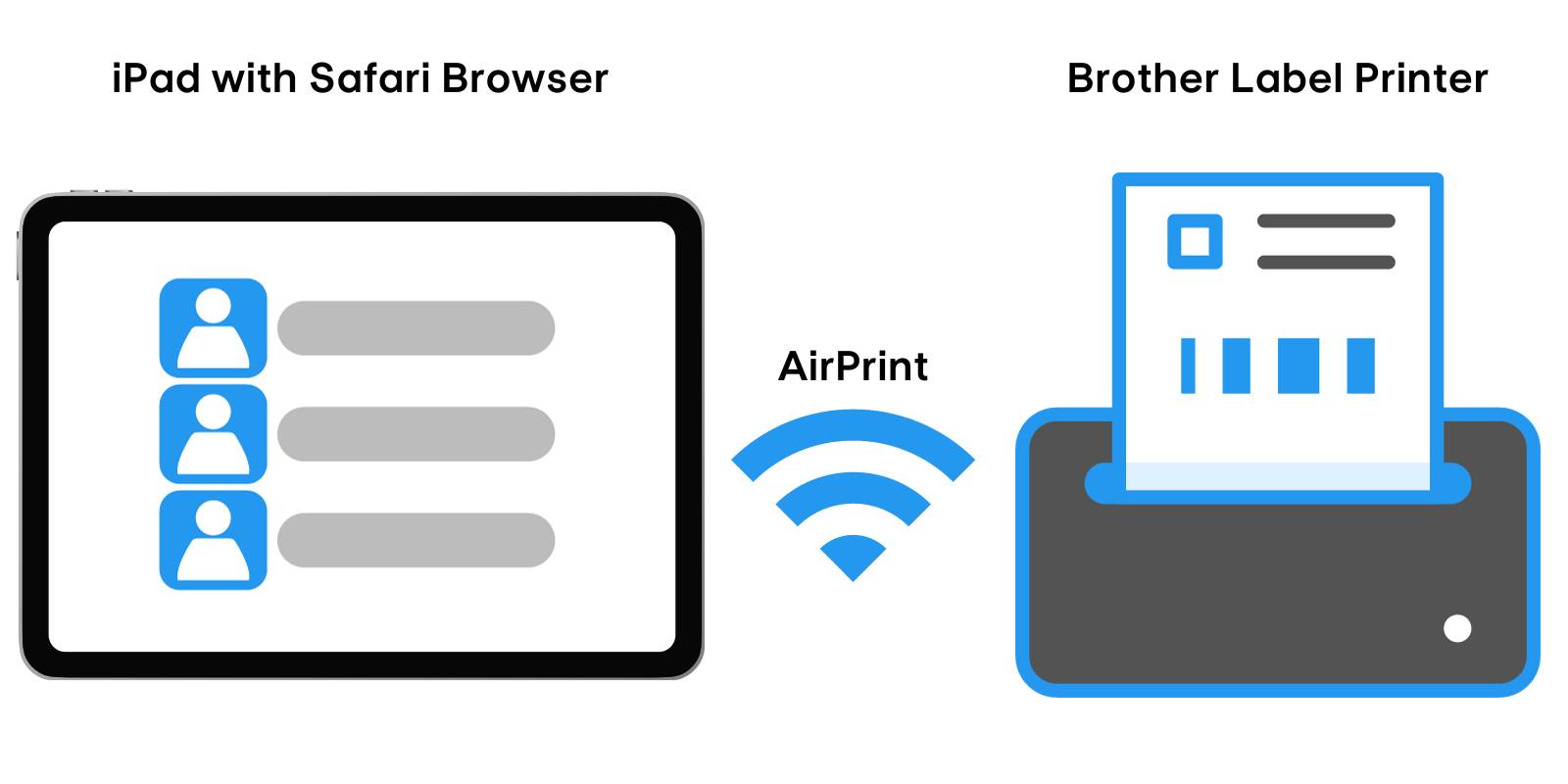
Using an iPad for Check-In is only recommended for Staff Check-In Stations and stations where printing is disabled. Learn More about using Check-In with iPad HERE.
Family Check-In Setup FAQS
Absolutely. However, wireless connections tend to be slower and less reliable across all devices due to the nature of WiFi. For this reason, we recommend a direct connection via USB for PC and Mac computers.
One limitation of using an iPad with ChurchTrac Check-In is the inability to hide the printing prompt. The additional steps to print from an iPad could confuse those wanting to self check-in.