Igniter Media Integration
With our integration with Igniter Media, you'll have access to thousands of high-quality images directly within your Church Connect.
How to Access Igniter Media
You can access the Igniter Media library when adding an image to your Cards, Header (or Hero), and Body section(s) of your website. You’ll see the Igniter Media library available for immediate use, with no login required!
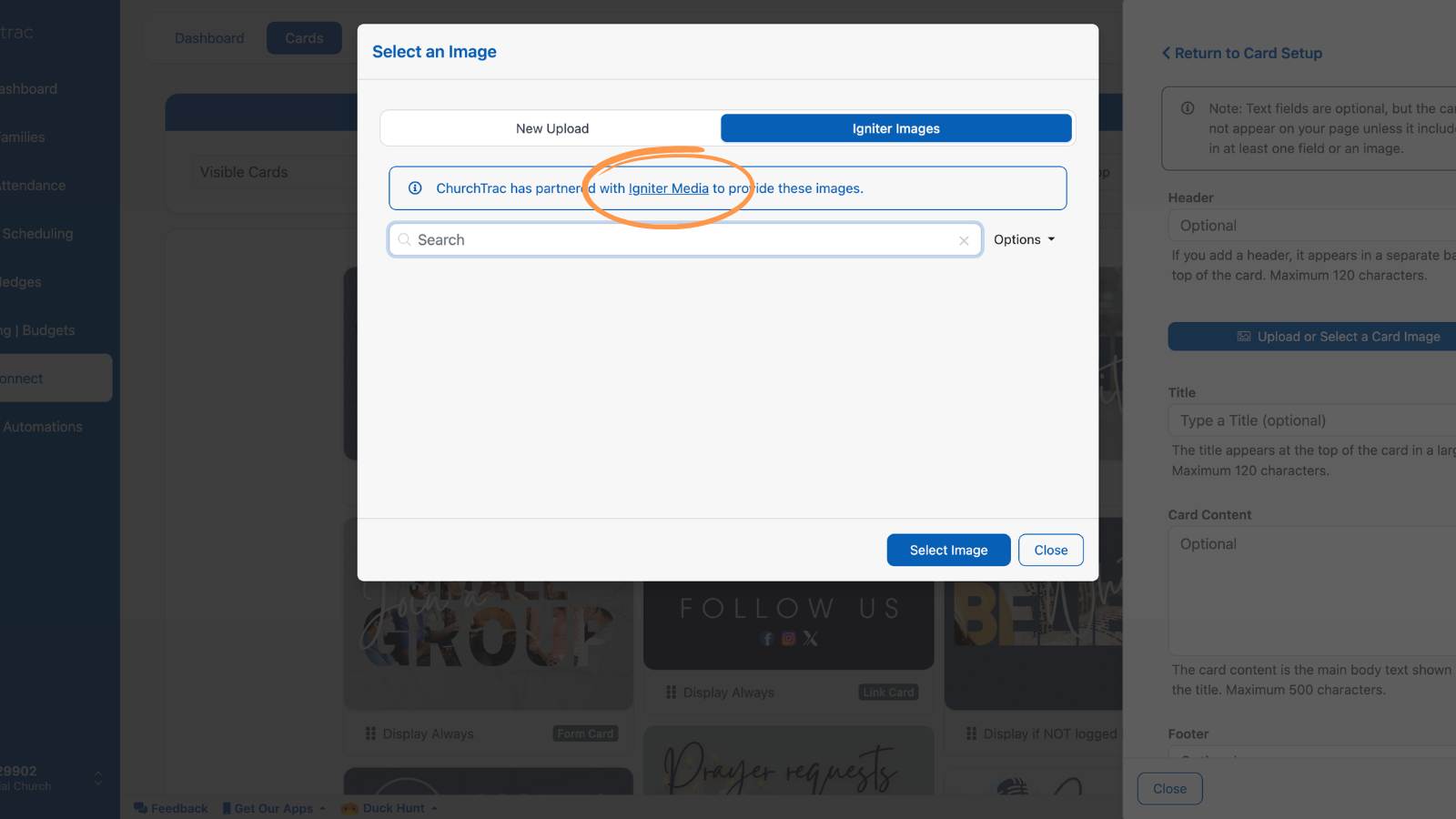
How to Use Igniter Media in Church Connect
Want to enhance your site's homepage? Here's how to incorporate Igniter Media images in your Church Connect site:
Step 1
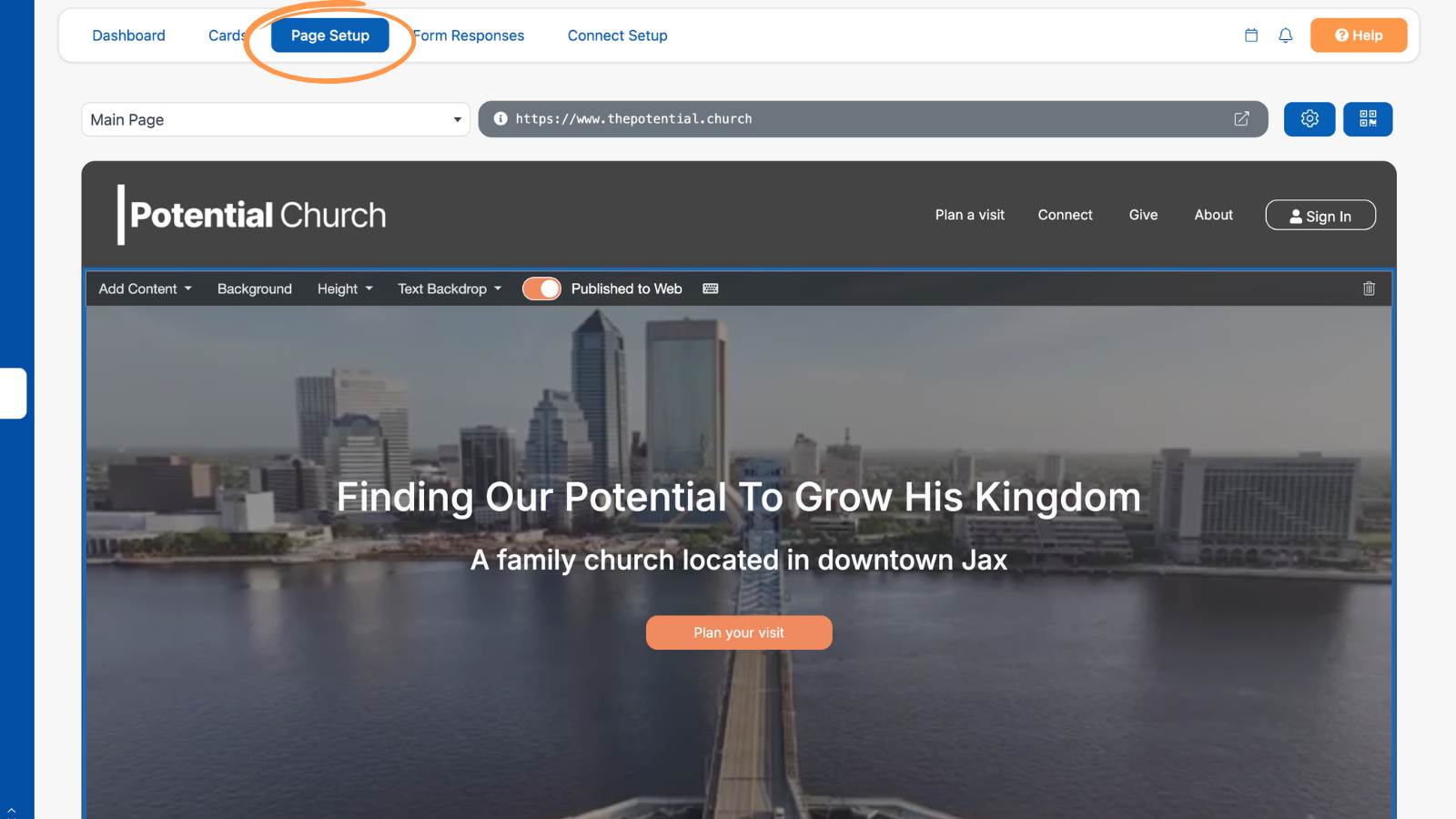
First, navigate to the Church Connect screen and select the "Page Setup" tab.
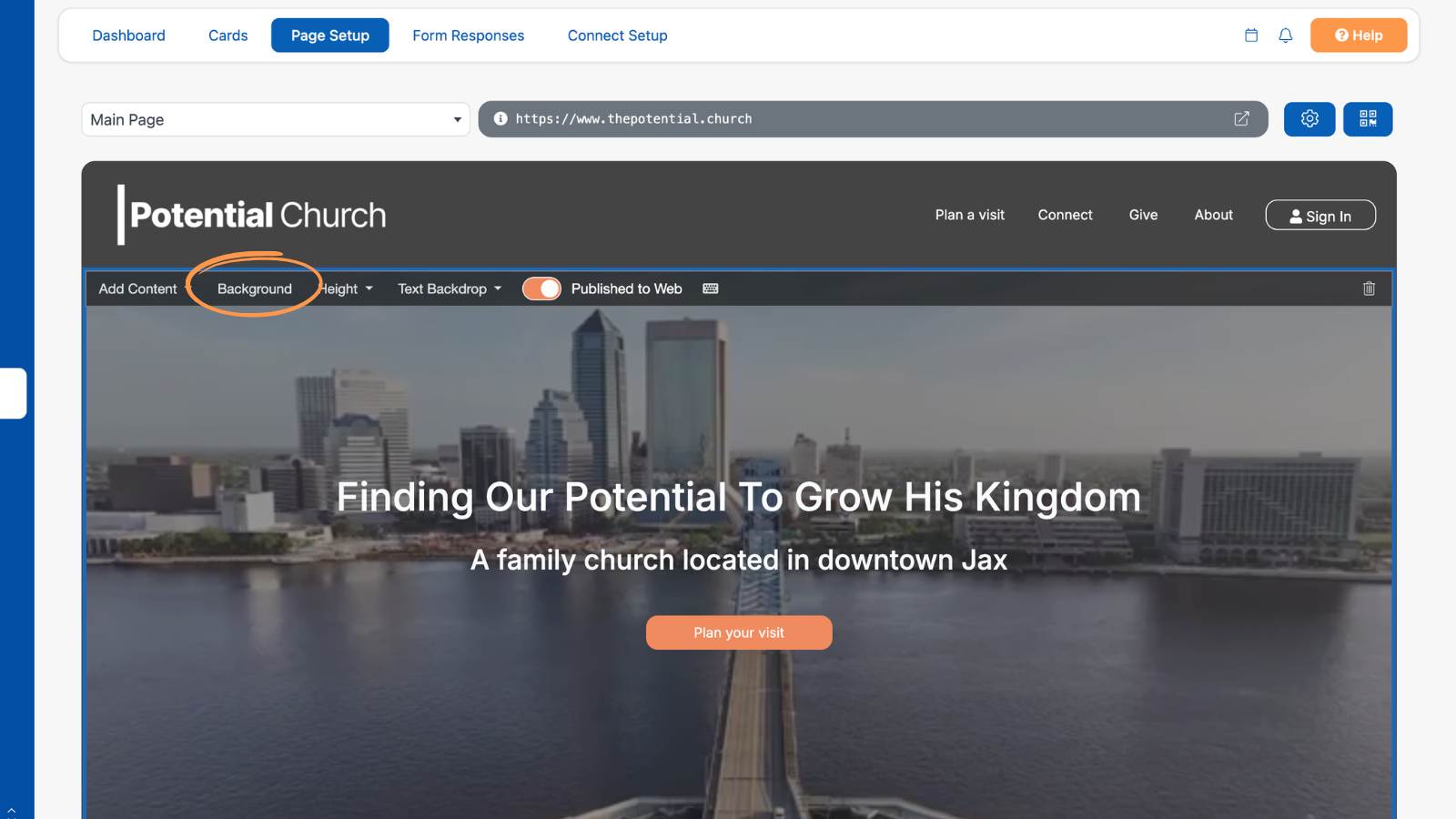
Then choose the "Background" button in your Header (Hero) section.
Step 2
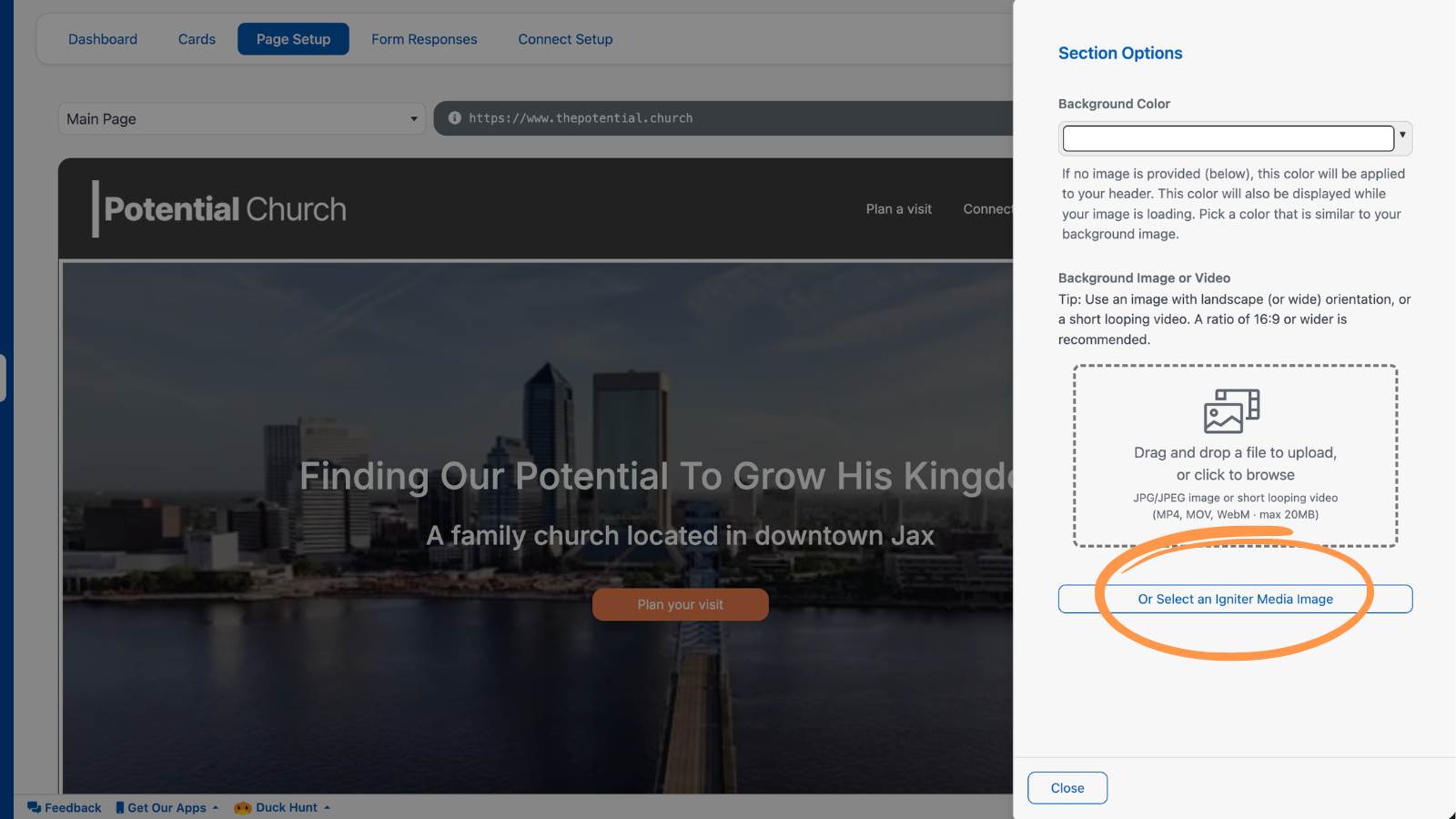
Next, select the "or Select an Igniter Image" button.
Step 3
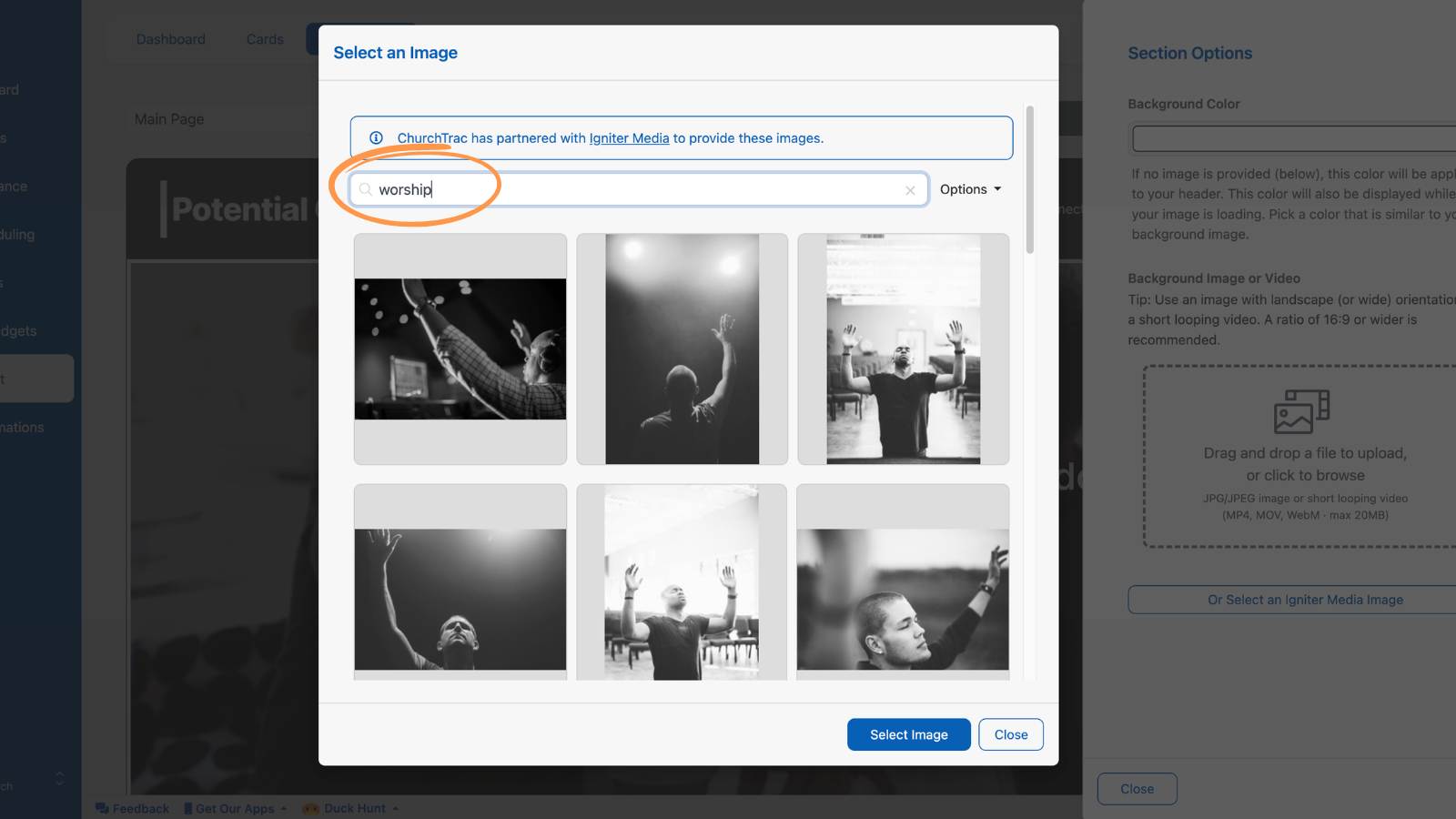
In the Media Library, enter a keyword in the search bar, such as “Christmas,” “worship,” or “community.”
Step 4
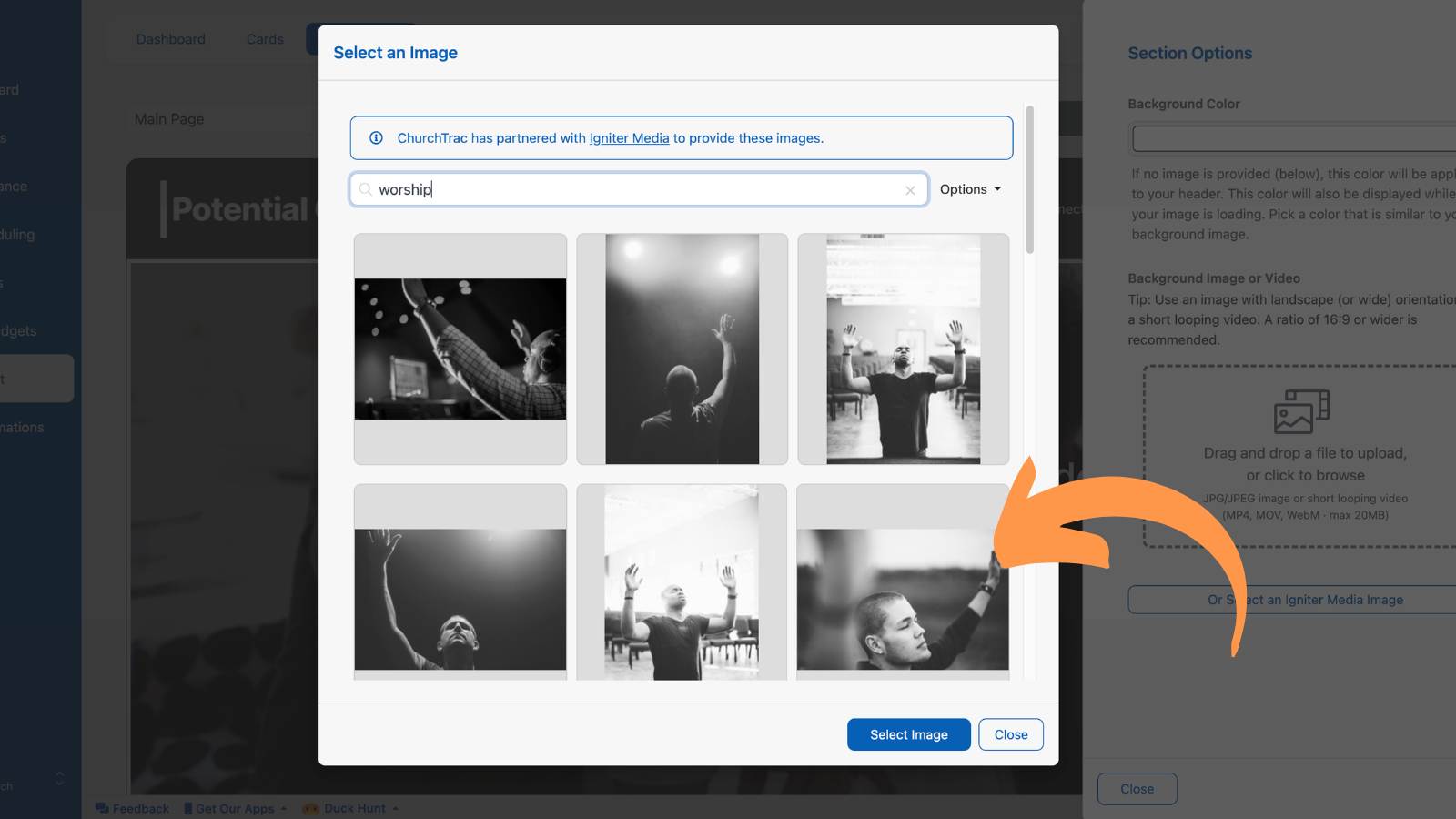
Finally, select an image to preview it before adding it to your Church Connect page.
Igniter's Starter Membership
With this integration, you'll have immediate access to thousands of images from within ChurchTrac. However, for even more images and resources, ChurchTrac users can take advantage of a significant discount on Igniter’s Starter Membership. This membership is specifically designed for smaller or brand new churches and gives you access to all the features available in their Essentials Membership (at an even more affordable rate). Learn more ›