ChurchTrac Logo
 Help Topics / Questions / Report Date Picker

Report Date Picker

Many of the reports in ChurchTrac give you the ability to choose either a date preset or pick a specific date. For yearly or monthly reports, date presets are the most used.

Picking a date preset

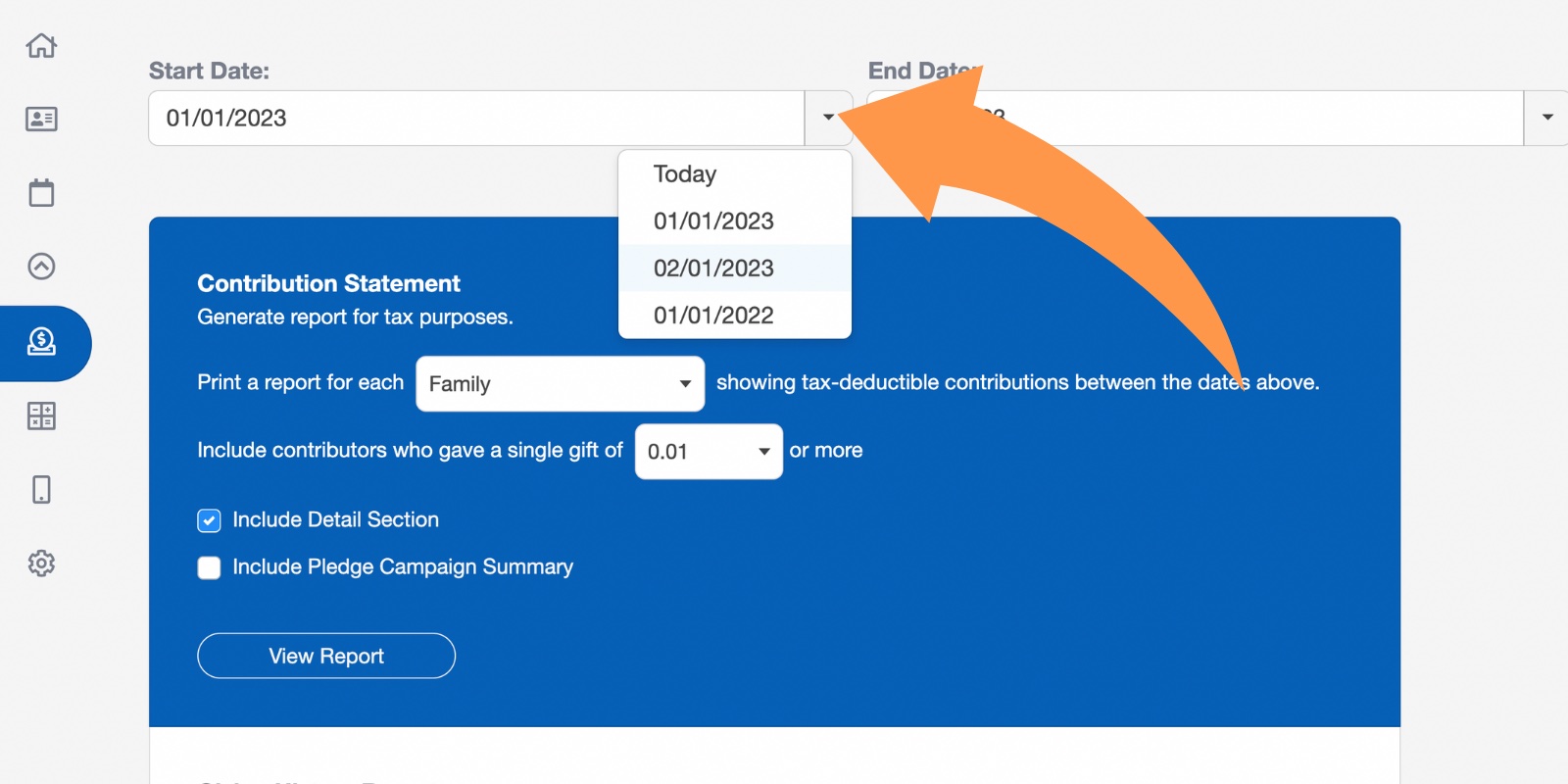
By selecting the dropdown arrow, you can choose from one of the date presets.
Church Software Date Picker 1

Picking a specific date

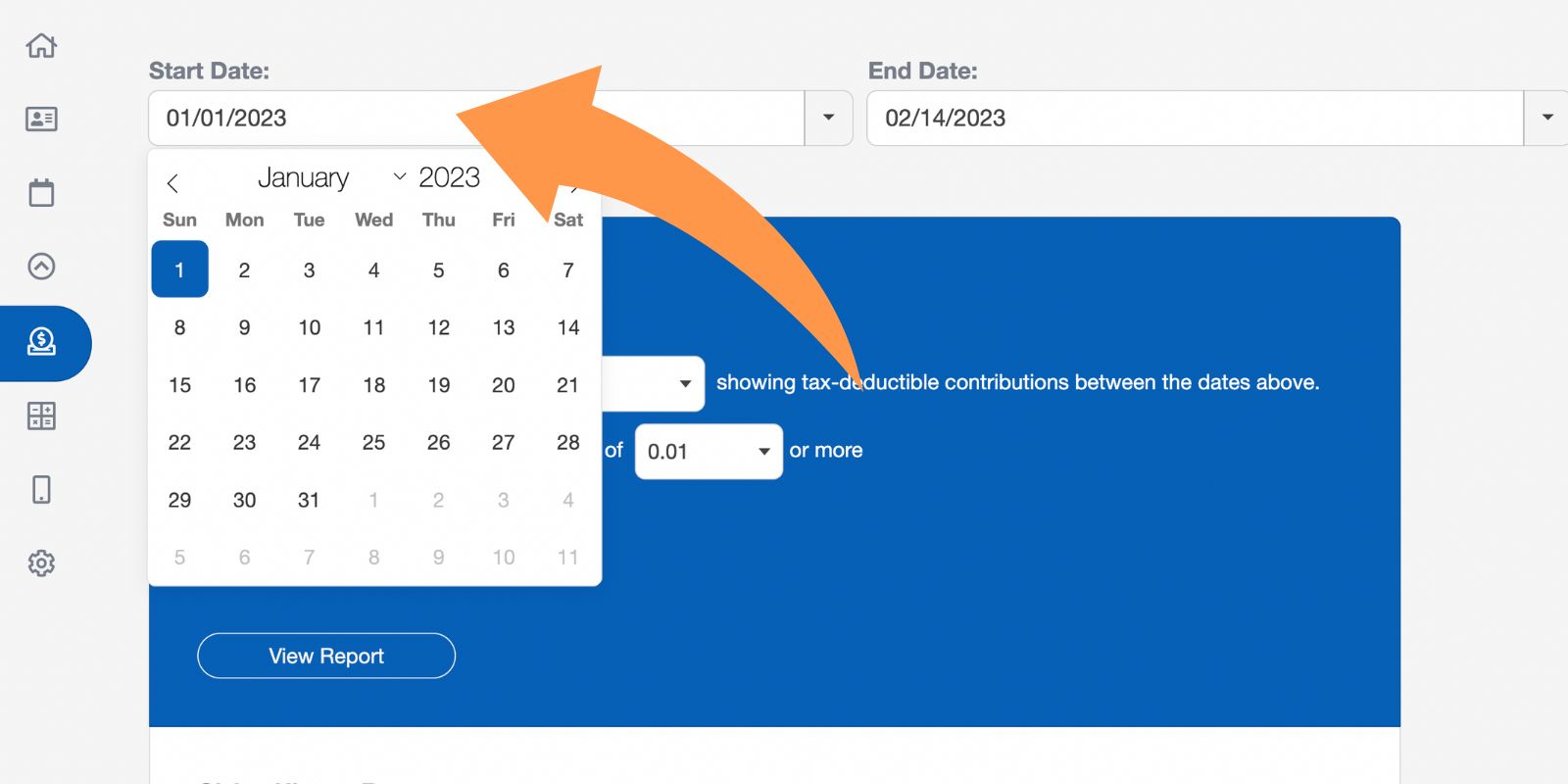
By selecting the date, you can choose the specific date you wish to use.
Church Software Date Picker 2

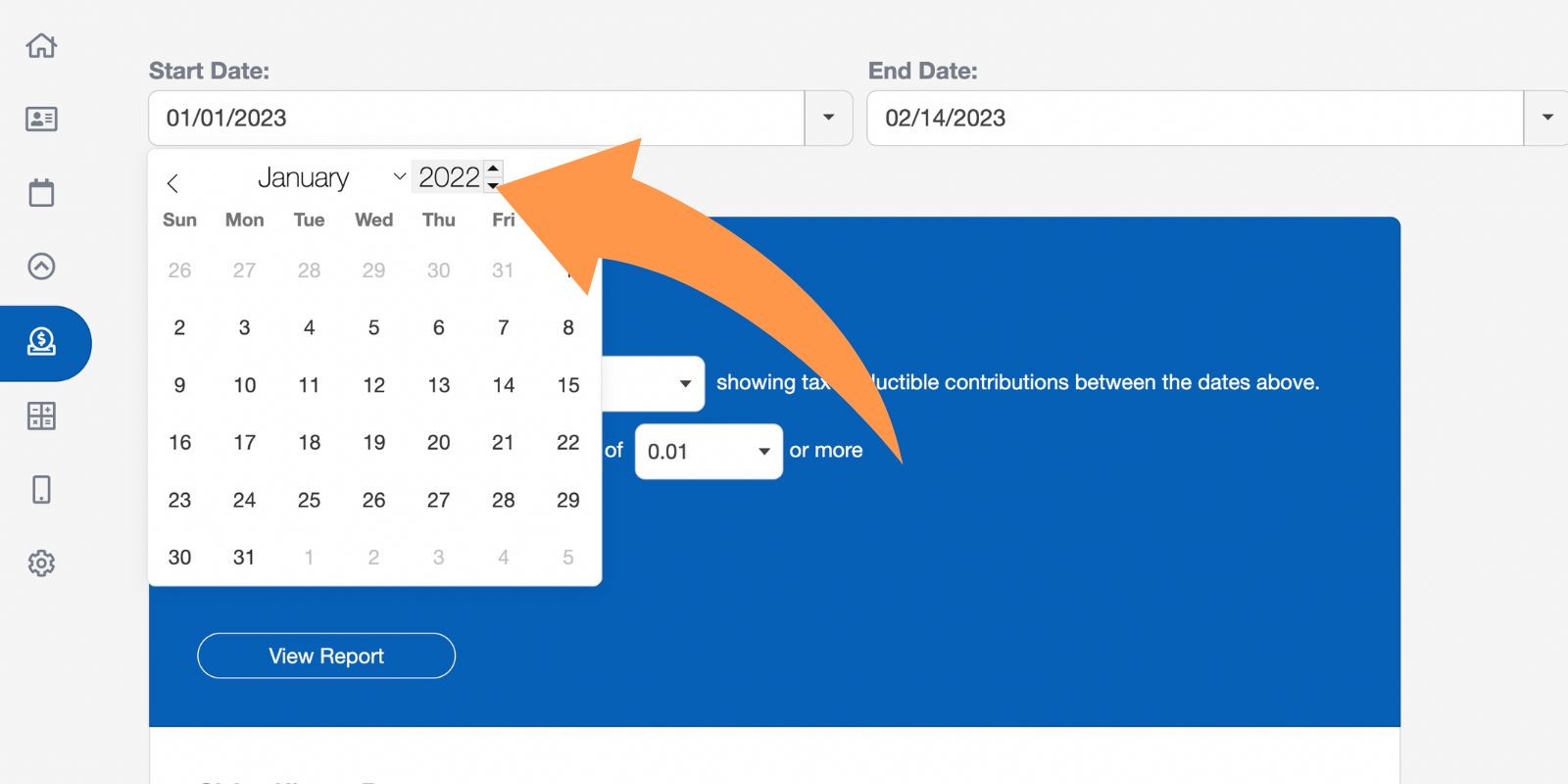
You can manually pick specific years and months to save time.
Church Software Date Picker 3
ChurchTrac Logo

Your All-In-One Church Software.

Facebook Twitter Youtube Vimeo

Products & Features

Giving & Fundraising Church Website Builder Church App Builder People & Messaging Events & Attendance Child Check-In Church Automations Church Accounting Worship and Scheduling Custom Built Websites Accounting Service Security & Integrations

How We Compare

ChurchTrac vs Planning Center ChurchTrac vs Tithe.ly ChurchTrac vs Realm ChurchTrac vs Breeze ChurchTrac vs QuickBooks See all comparisons

Company

About ChurchTrac Terms of Service Privacy Policy

Quick Links

Login to Your Account ChurchTrac Pricing Start a Trial Getting Started Join a Live Demo Contact Us | Tech Support

Recent Posts

  • How Often Should Churches Do Background Checks? (More Often Than You Think)
  • Resurrection Power: 7 Powerful Easter Sermon Ideas
  • The State of Church Attendance: Trends and Statistics [2026]
  • 5 Impactful Youth Sermon Ideas
  • 1099 VS W2: A Guide For Churches
  • View more articles...