ChurchTrac Logo
Help & Resources
Help CenterGet answers and contact our teamWatch Our VideosTutorials, demos, and live streamsRead the BlogNews, tips and the ChurchTrac newsExplore FeaturesSee everything ChurchTrac can doWhy Churches Choose UsNot all software companies are the sameExplore Plans & PricingAffordable options for every church
Pricing
Help CenterGet answers and contact our teamWatch Our VideosTutorials, demos, and live streamsRead the BlogNews, tips and the ChurchTrac newsExplore FeaturesSee everything ChurchTrac can doWhy Churches Choose UsNot all software companies are the sameExplore Plans & PricingAffordable options for every church
Login
Start For Free
 Features  /  Church Connect App

Church Connect App

Church Connect App

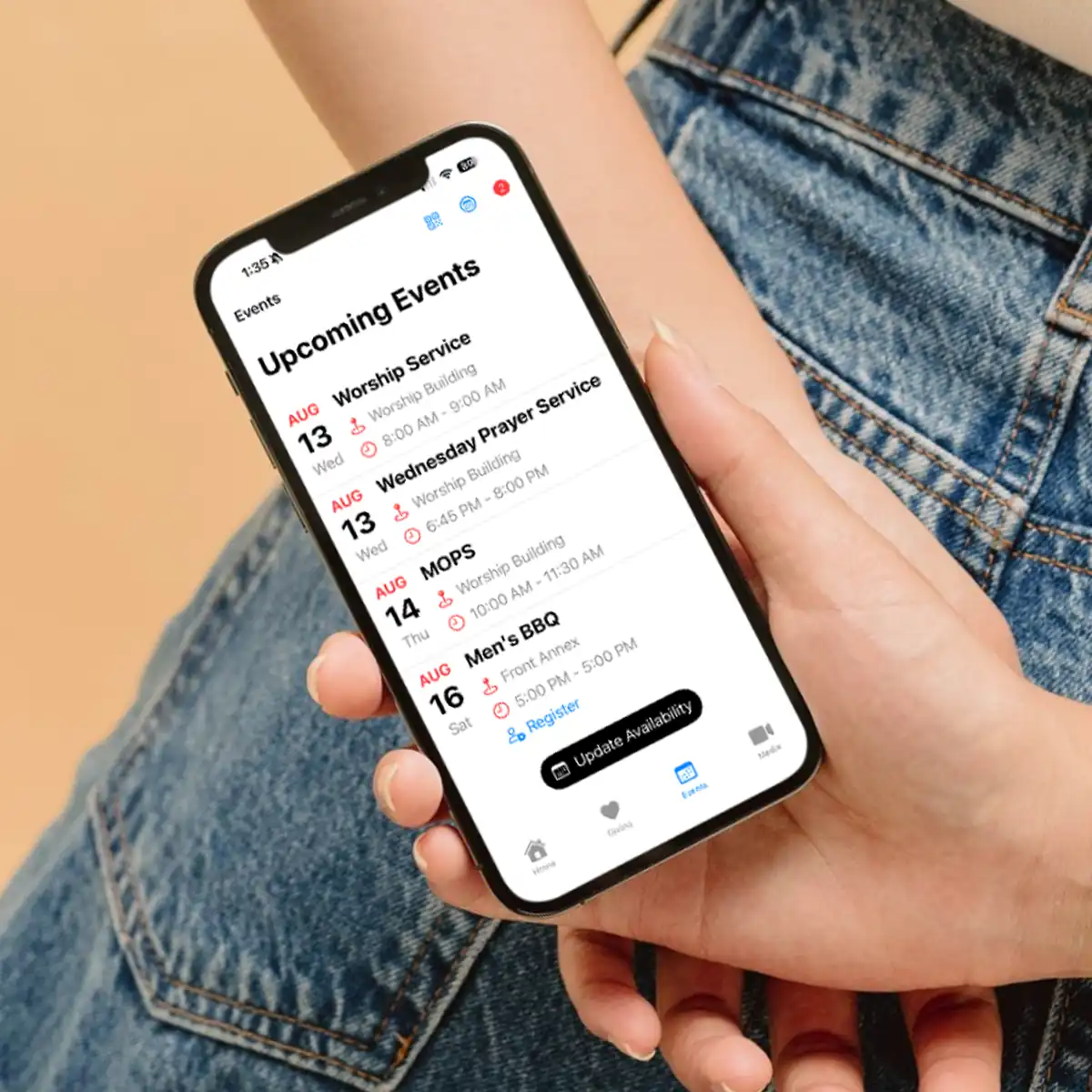
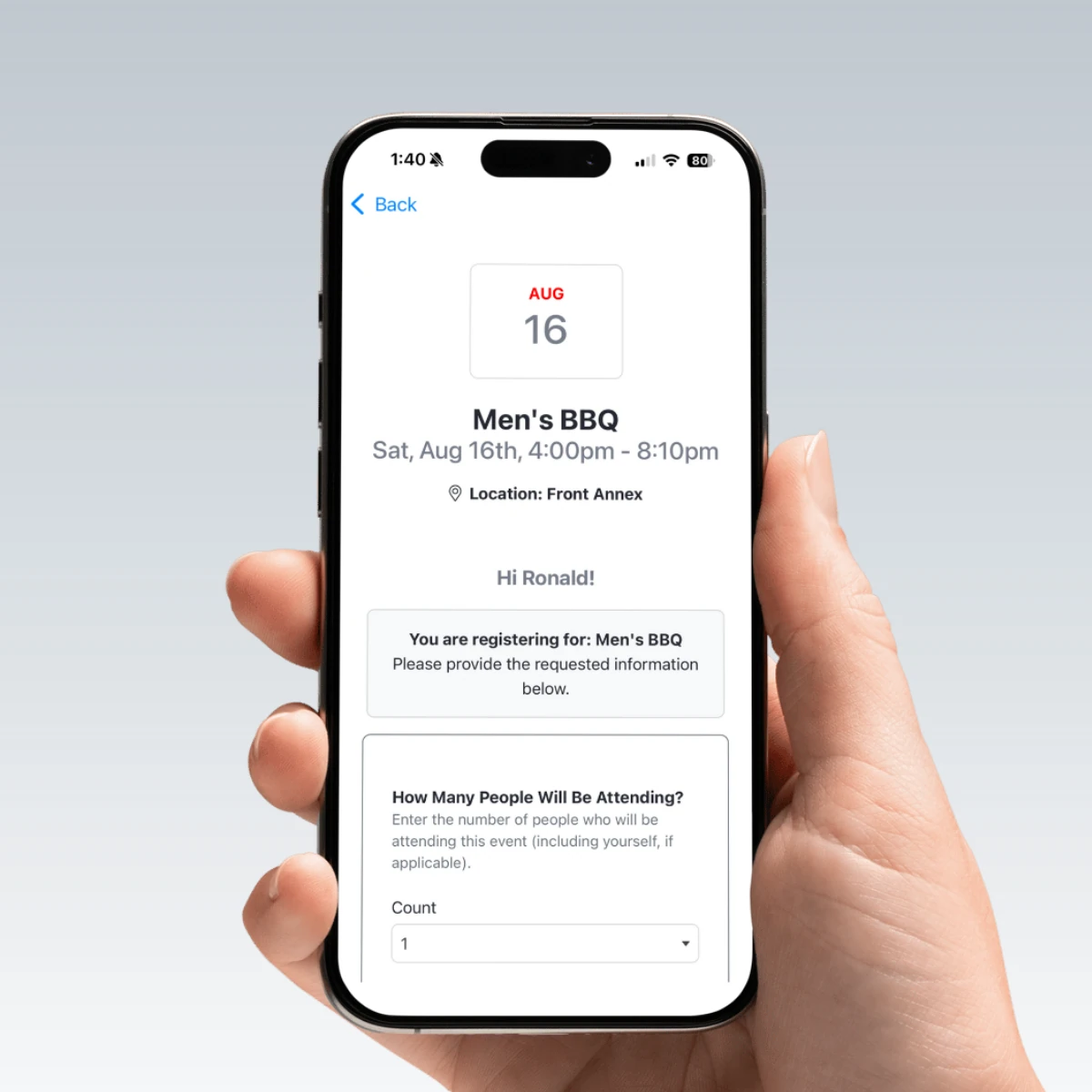
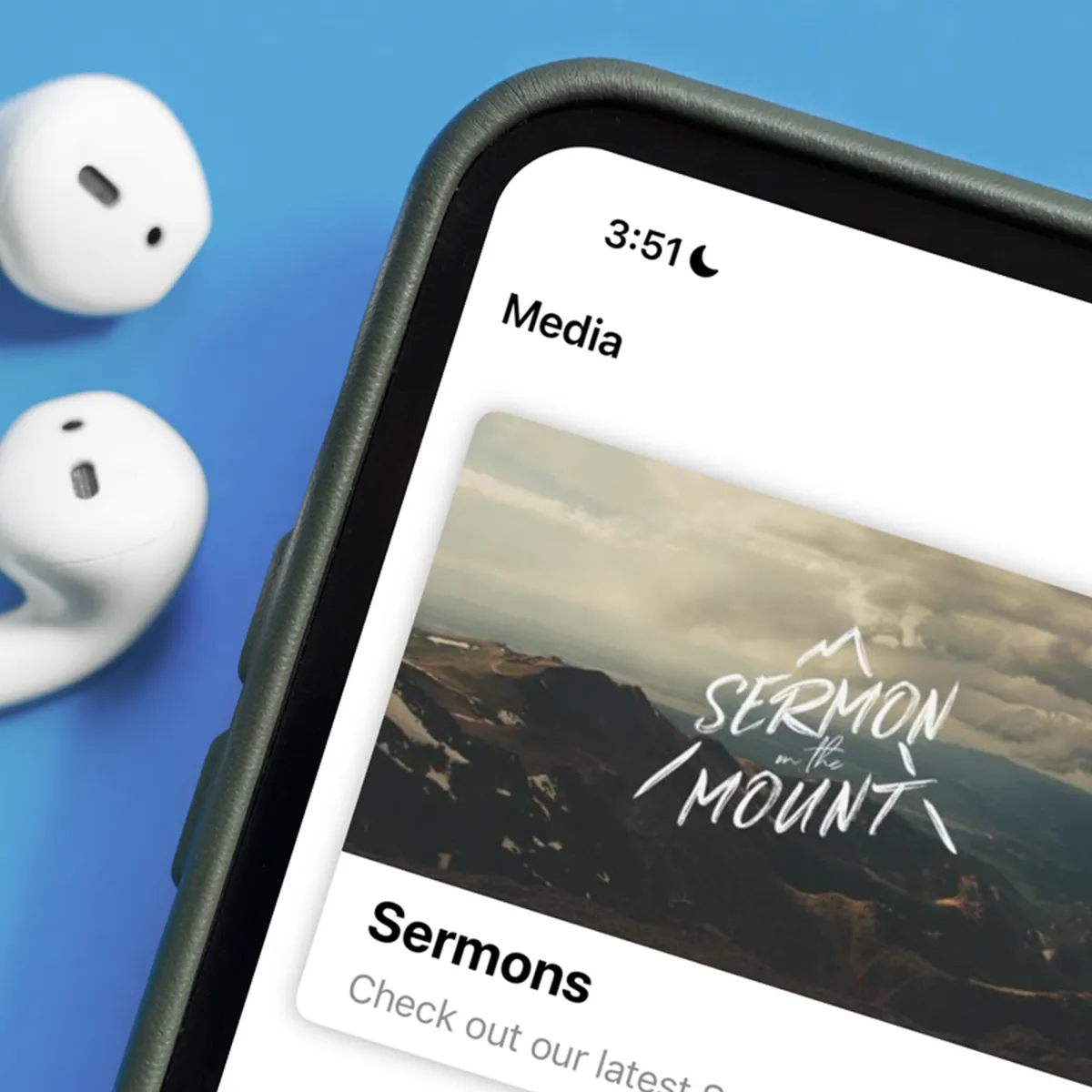
The Church Connect app is a free, customizable mobile app included with all ChurchTrac subscriptions. It enables church members to give online, register for events, update profiles, view the directory, access sermons and media, and more.

The app is available on Google Play and the Apple App Store.

Church Connect isn’t just an app! It’s a full website builder, giving you everything you need to launch your church’s site, member portal, and app in one place. 

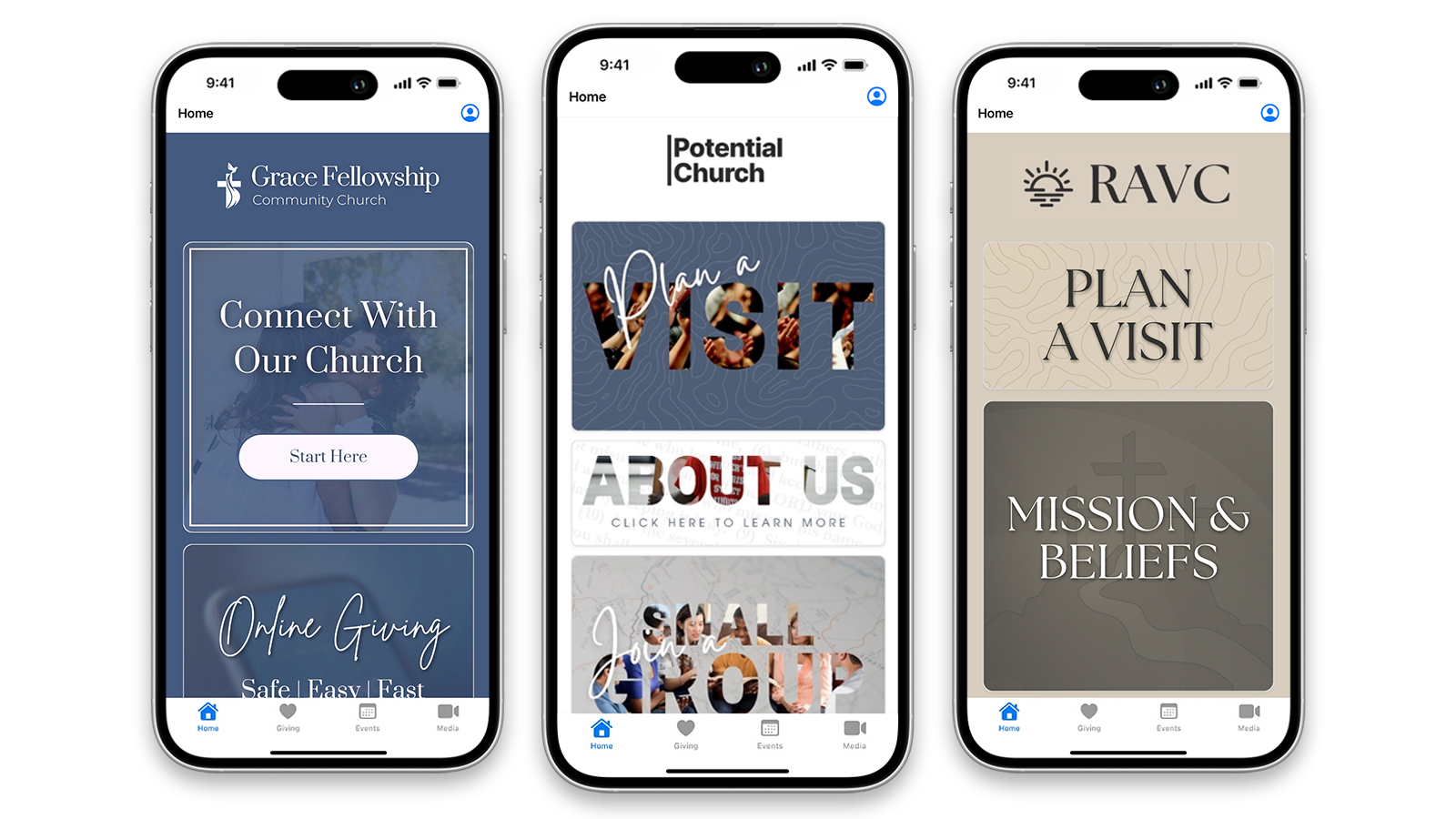
Church Connect App   3 Phones

What your church can do with Church Connect:

  • Give online and view giving history
  • Register for events and manage sign-ups
  • Submit forms like prayer requests and volunteer interest
  • View sermons and church media
  • Access the online directory and update profiles
  • Receive push notifications and church updates
  • Check in attendance for individuals or families

The Church Connect app is the perfect central hub for all of your members!
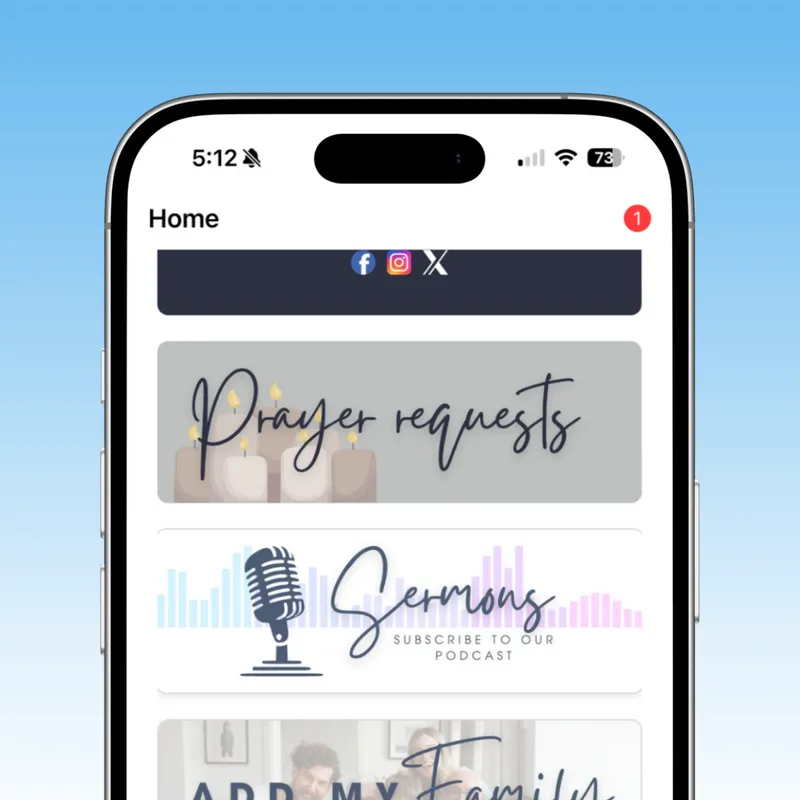
Connectapppage
Connectapppage 2
Connectapppage 3
Connectapppage 4

How to customize and set it up for your ministry: 

  • Add your church logo
  • Use your custom colors and branding 
  • Create custom Connect Cards
  • Upload your church media 
  • Update your church calendar 
  • Set up online giving 

Learn more about customizing your Church Connect app HERE! 

Sharing it with your church members is easy:

  • Share your unique QR code or custom URL (recommended for most churches)
  • Have members download the app and enter your church’s install code
  • Let members invite others directly using the built-in share option

For best results, consider training a few volunteers to help others get started and use simple visuals (like our Church Connect Press Kit) to promote the app during services. You can learn more about each sharing method in our How to Share Church Connect guide.

Ready to explore ChurchTrac Apps?

If you’re already using ChurchTrac, you can start using any of the apps today! If you’re new or thinking about joining the ChurchTrac community, reach out to our support team or start a free trial to get started.

Ready for something better?

Less time managing software.
More time doing ministry.

Start Your Free Trial  Join a Live Demo 
ChurchTrac Logo

Your All-In-One Church Software.

Facebook Twitter Youtube Vimeo

Products & Features

Database & Church Admin Giving and Online Giving Church Website & App Church Email Church Texting/SMS Events & Registrations Child Check-In Church Automations Church Accounting Worship and Scheduling Church Website Builder Church App Builder See more features

How We Compare

ChurchTrac vs Planning Center ChurchTrac vs Tithe.ly ChurchTrac vs Breeze ChurchTrac vs QuickBooks ChurchTrac vs Aplos See all comparisons

Software Solutions

For Church Plants For Small Churches For Mid-Size Churches For Church Bookkeeping See more solutions

Company

About ChurchTrac Terms of Service Privacy Policy Copyright Policy Security & Integrations

Quick Links

Login to Your Account ChurchTrac Pricing Start a Trial Getting Started Join a Live Demo Contact Us | Tech Support

Recent Posts

  • Church Connect Updates 2026
  • Buying Church Software? Avoid This One Fatal Mistake
  • Best Church Management Software Picks (2026)
  • 4 Youth Ministry Podcasts Every Leader Needs to Hear
  • 5 Teen Study Bibles You Can Actually Trust
  • View more blog posts...