ChurchTrac Has a New Look & New Features

- ChurchTrac has a cleaner, more modern look that feels consistent from screen to screen.
- Ministries with Enhanced Messaging can now enable Group Messaging for their church's mobile app.
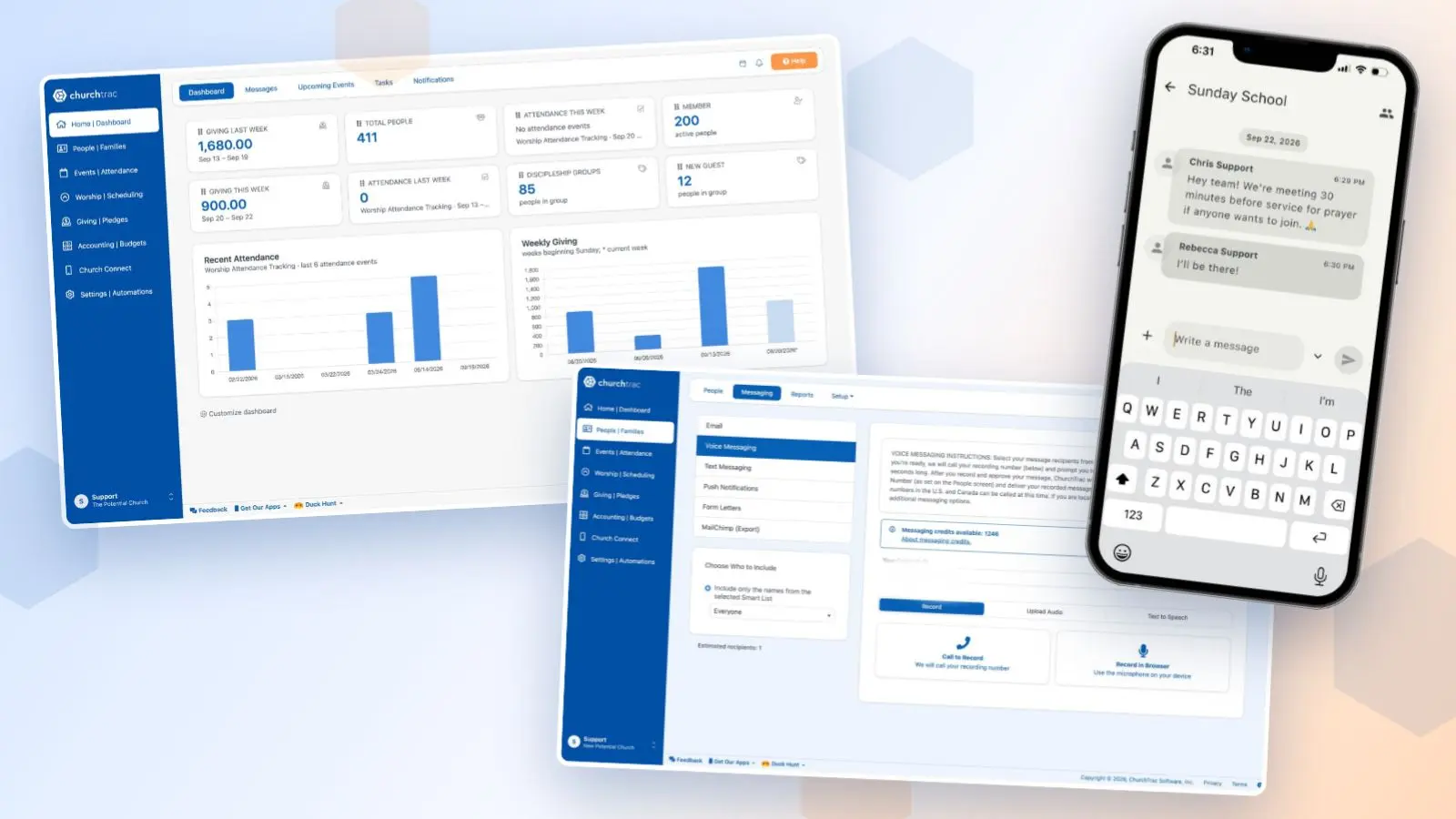
ChurchTrac received a significant visual update along with new messaging features.
Here are the highlights...
New Look
The software now has a cleaner, more modern look. Some of the changes include:
- A bold blue sidebar that frames the app
- Lighter and more opened up dashboard
- Easier to read stats and charts throughout
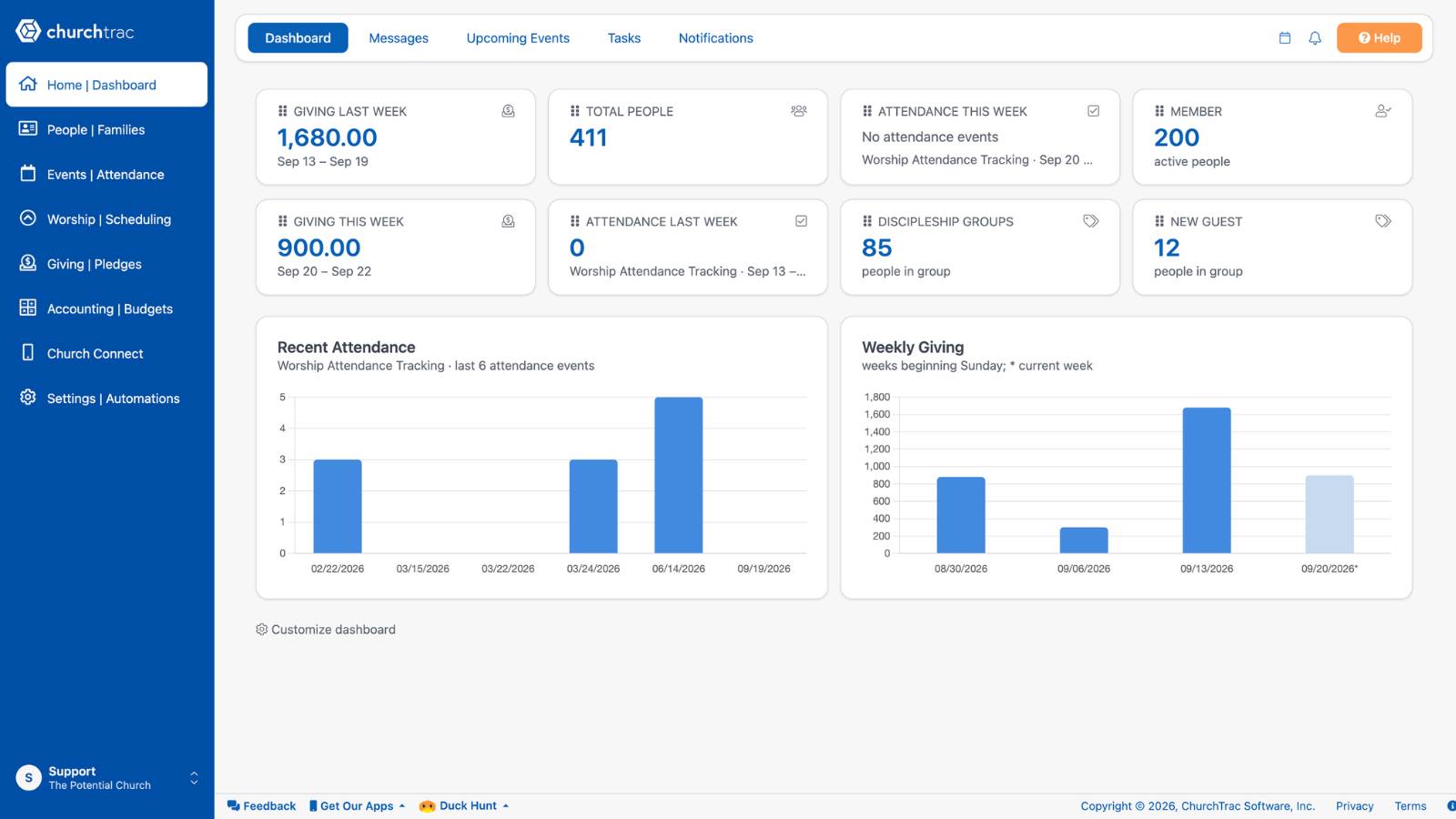
Everything feels more consistent from screen to screen.
Virtually all button locations and screen pages remain unchanged, so there's no need to re-learn anything.
Group Messaging
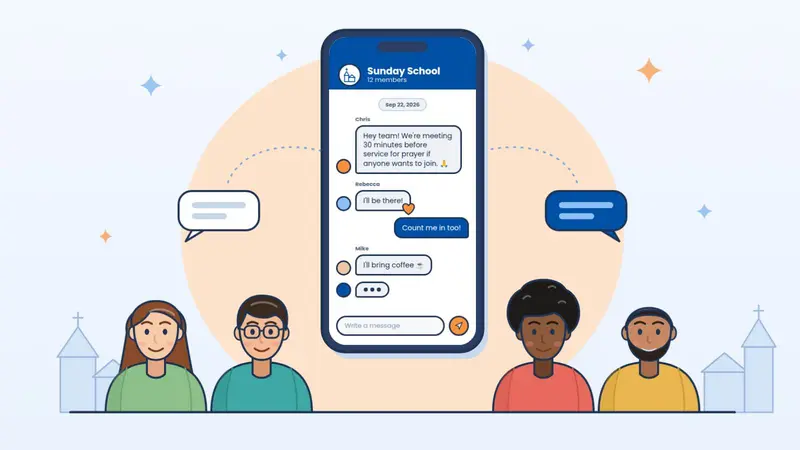
Your members and volunteers can now communicate together in your church app with Group Messaging.
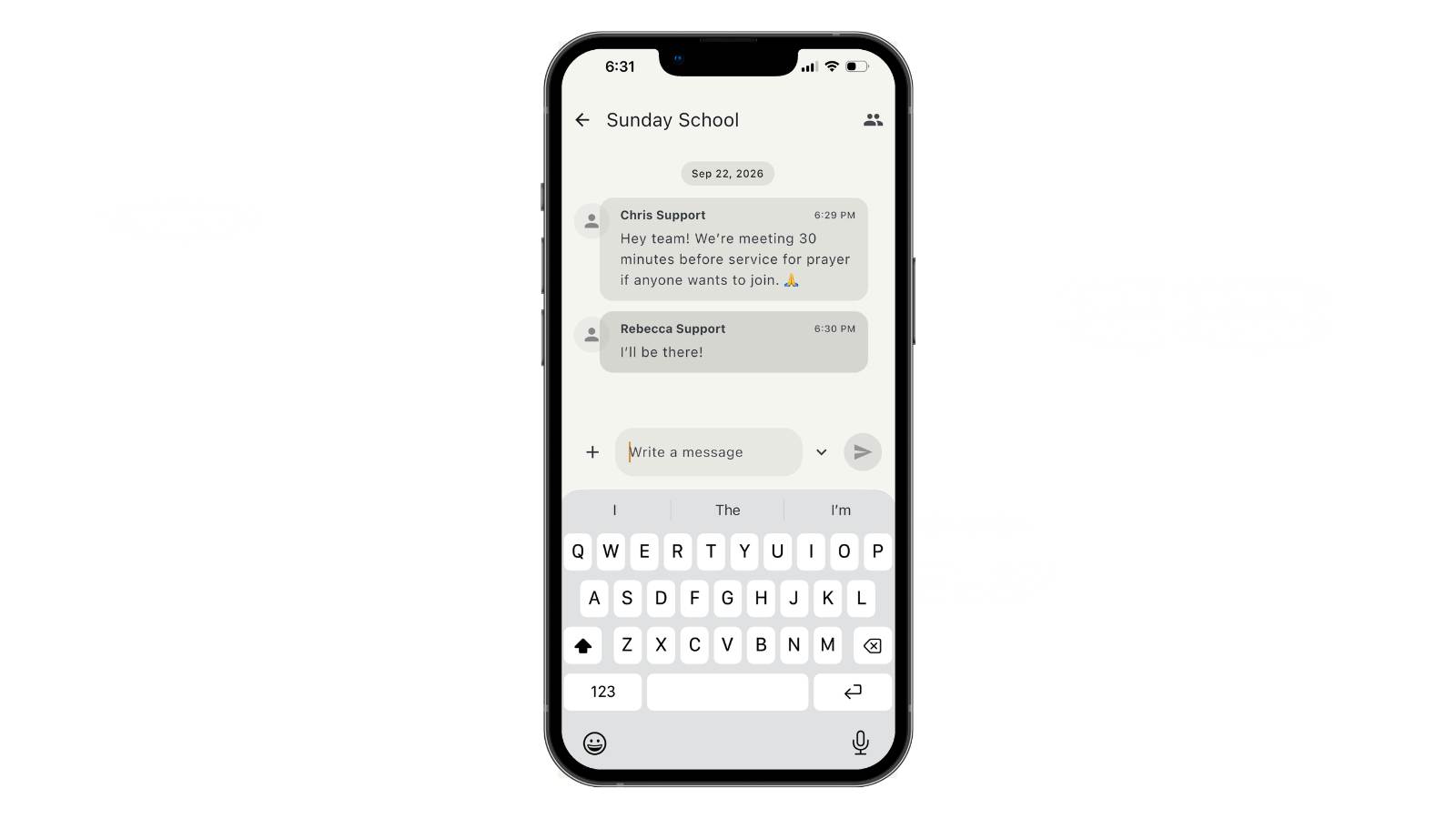
Once messaging is enabled for a Group, all group members can communicate with each other through their own group chat.
Group Messaging is perfect for small groups, volunteer teams, and staff communication.
Note: Group Messaging does require ChurchTrac's Enhanced Messaging add-on.
Voice Messaging Updates
If you're using Enhanced Messaging, you can now record voice messages directly from the application.
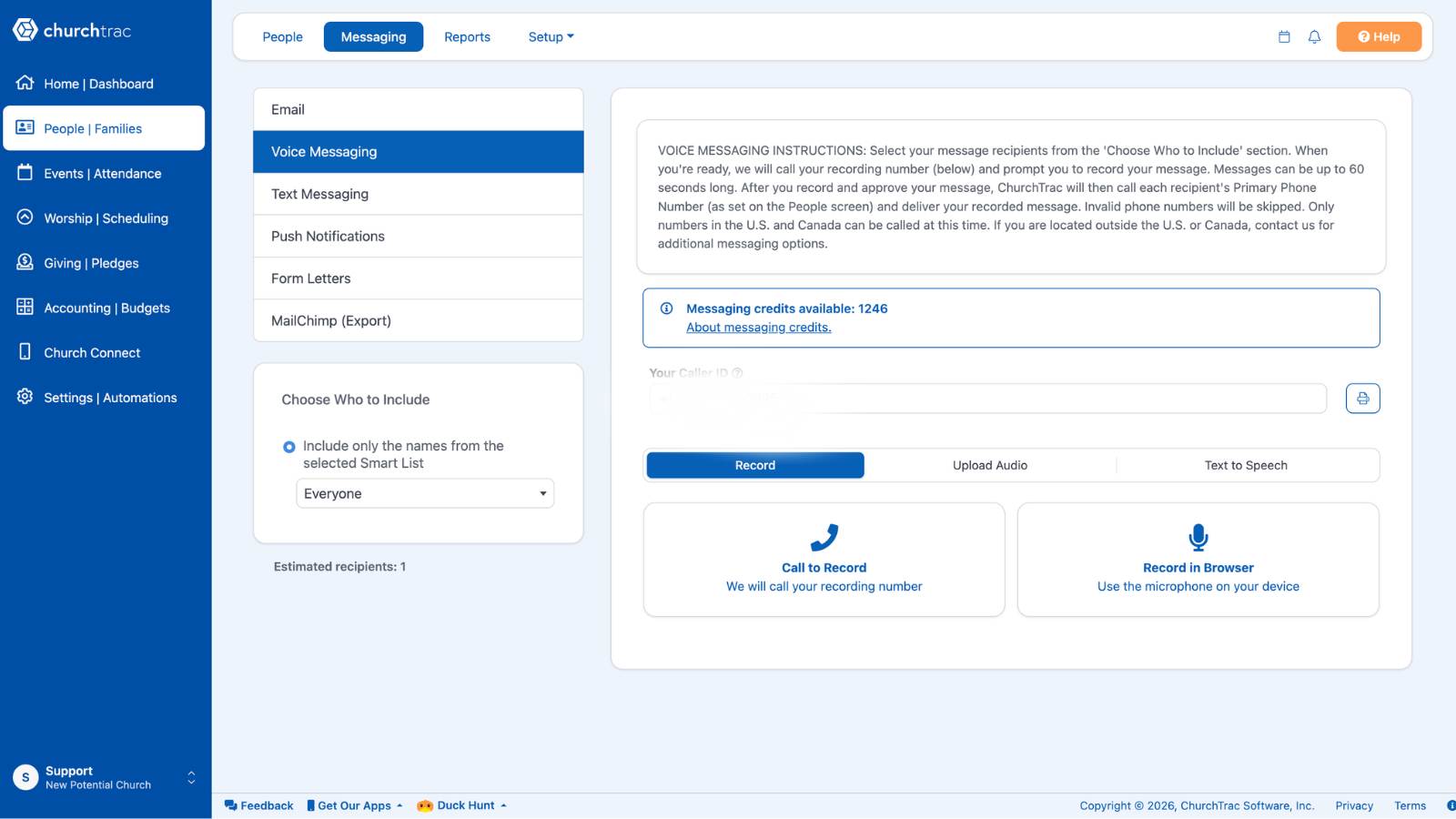
There's also a text-to-speech feature that let's you type out a message that gets transcribed to voice.
This is a great option when you need to get a voice message out but are not able to record yourself in the moment.
It's also nice if you don't like the sound of your own voice like me.
More Features Coming
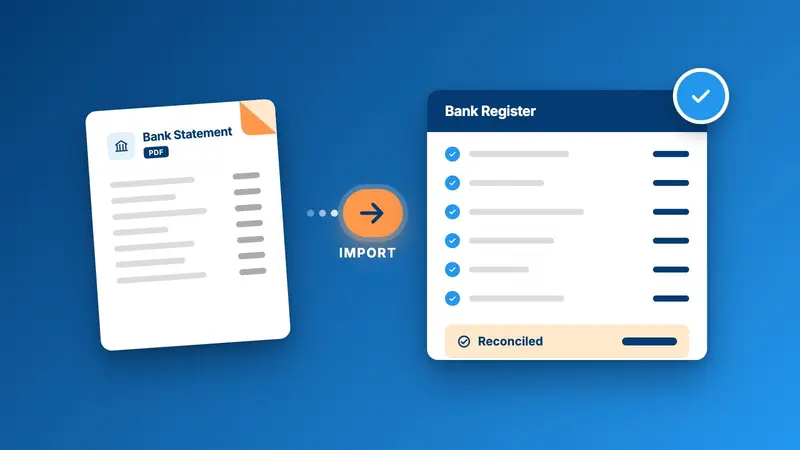
There are a few more features that will be launching in the coming weeks. Let's just say that if you do the church books or live in the People Screen, you're going to love them.
To get a sneak peek, be sure to join our Facebook Group.
Blessings!