How to Create a Church Logo (For Free)


A well-designed logo helps non-members identify your church and members identify with your church.
The problem?
You don't have the budget to create one and you're not a graphic designer.
No sweat. I’ll walk you through the process of creating a church logo and how you can make one for free with Canva.
1. Before You Use a Logo Maker, Do This...
The first step of creating a new church logo is to understand and define your church's identity. Some questions to ask as you explore this:
- What kind of person do we currently attract?
- What kind of people do we want to attract?
- What is the church's mission and vision?
- What is our church's story?
- Are there any “must haves” for the logo redesign?
It's also helpful to brainstorm keywords or phrases that describe your church. These words will guide your design choices and help ensure your logo aligns with your church’s identity.

2. A Great Church Logo NEEDS The Right Colors
Different colors evoke different emotions, and choosing the right colors can help communicate your church’s personality more effectively.

If you're like me, you're not exactly well-versed in color theory. That's okay! There are two things you can use to make this work.
Create a Mood Board
We recommend looking up other church logos and finding a few that you resonate with. Try to pick some that connect with your answers from step 1.
Add them to a mood board. Ask other leaders to do the same so you can compare and find similarities with your ideas.
P.S. Your mood board will also come in handy during step 4.
Use Coolors to Create Pallets
Once your mood board is complete, head to Coolors.co
It's a free website that uses machine learning to combine colors into appealing palettes. I've used this for everything between choosing paint colors for my home and building a church brand.
Switch between pallets until it recommends colors that match what's on your mood board. Once you’ve selected a color palette that feels right, save it—you’ll use these colors in the next step as you design your logo.
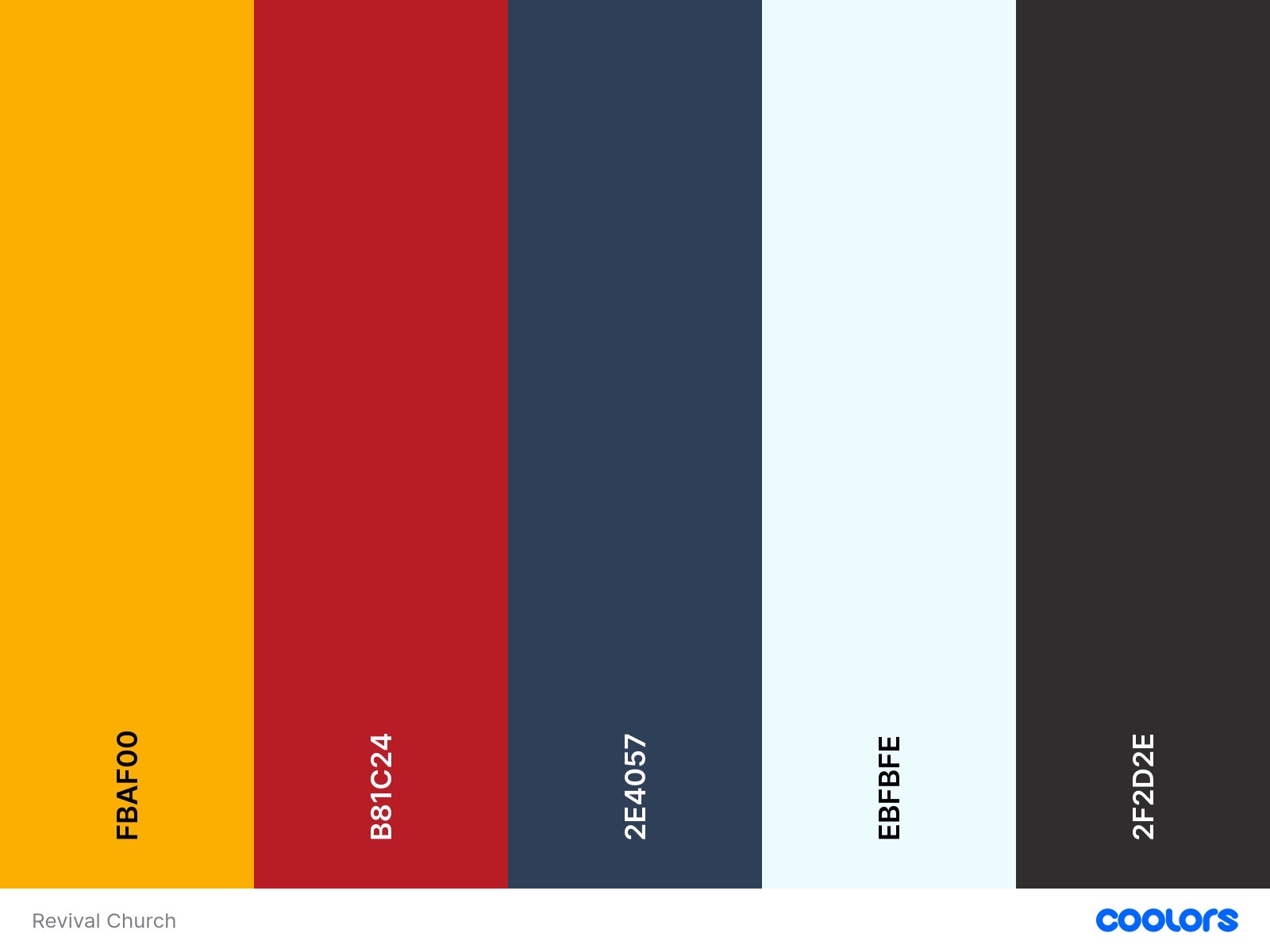
Here is a pallet I recently designed for a church in Coolors:
3. Customize Your Church Logo with Logo Templates
Now that you have a clear idea of your church’s identity and a color palette to work with, it’s time to start designing your logo. Though Canva isn't officially a "Church Logo Maker"... it has an endless amount of templates.
Here’s how to get started:
- Add the Pallet to the Brand Kit: Upload your colors to the Brand Kit feature in Canva, which will make it easier to stay on-brand as your design your logo
- Select a Template: Canva offers a wide range of free church logo designs that you can customize. Choose one that aligns with the style you’re going for—whether it’s traditional, modern, or somewhere in between
- Add Your Church’s Name: Make sure your church’s name is clearly visible
- Customize Your Colors: Use the color palette you created in Coolors to make sure your logo reflects the emotions and identity you’ve defined
- Keep It Simple: Remember, the best logos are simple and easy to recognize. Avoid clutter and make sure the design looks good in different sizes
4. Create Multiple Versions of the Logo
You will use this logo across different media. It will appear on your website, social media pages, the bulletin, the church sign, and business cards, to name a few.
But that means it has to look good on different surfaces and in different contexts. So it's important to create different versions of the logo.
You'll want to create the following:
- An all-black version
- An all-white version
- A version with the church name beneath the icon
- A version with the church name to the right of the icon
- A version without the church name (icon only)
- A version without the icon (church name only)
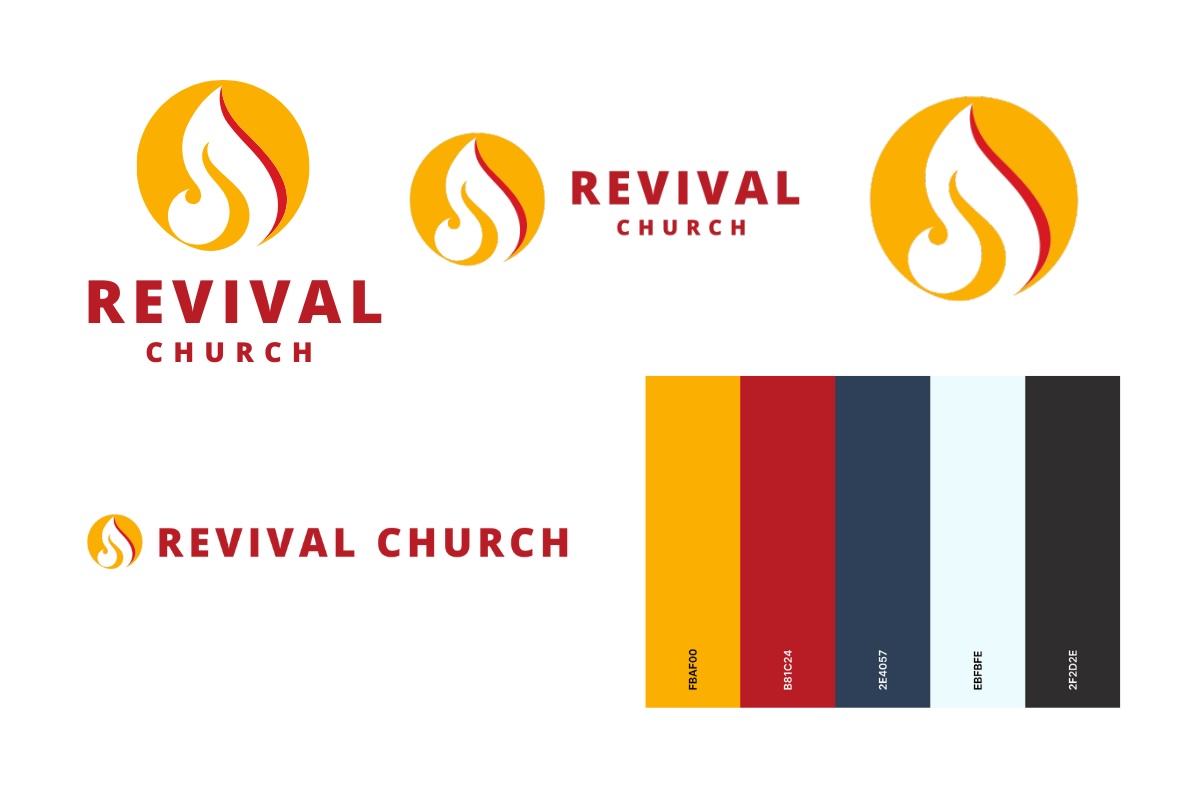
Here is a logo board I made for the church with a few different versions of the logo:
Tips for a Professional-Looking Logo
If you're still unsure about how to tackle this project, here are a few tips to guide the way:
- Simplicity is Key: A simple logo is more memorable and versatile. It should be easy to recognize whether it’s on a billboard or a social media profile
- Focus on Scalability: Your logo should look good at any size. Test it by resizing it in Canva to make sure it’s still clear and recognizable when scaled down
- Choose the Right Font: For a more traditional church, serif fonts work well. For a contemporary church, sans serif fonts may be more appropriate. Here is a quick explainer
- Gather Feedback: Before finalizing your logo, get feedback from a small group within your church. They can offer valuable insights and help you make any necessary tweaks
Church Logo Design is Easier Than You Think
Creating a church logo is easier than you think, even with no design experience. By defining your church’s identity, choosing the right colors, and using Canva, you can create a logo that beautifully represents your church’s mission and values.
Once your logo is ready, you can upload it to Church Connect to share it with the world!