7 Steps to Launch Your Church App

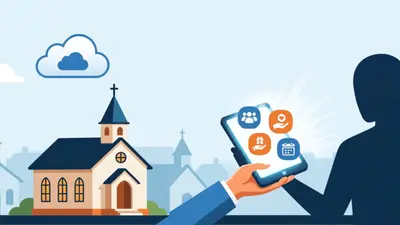
In this article, you’ll learn the 7 essential steps to launching a church app—from planning and design to launch and ongoing updates.
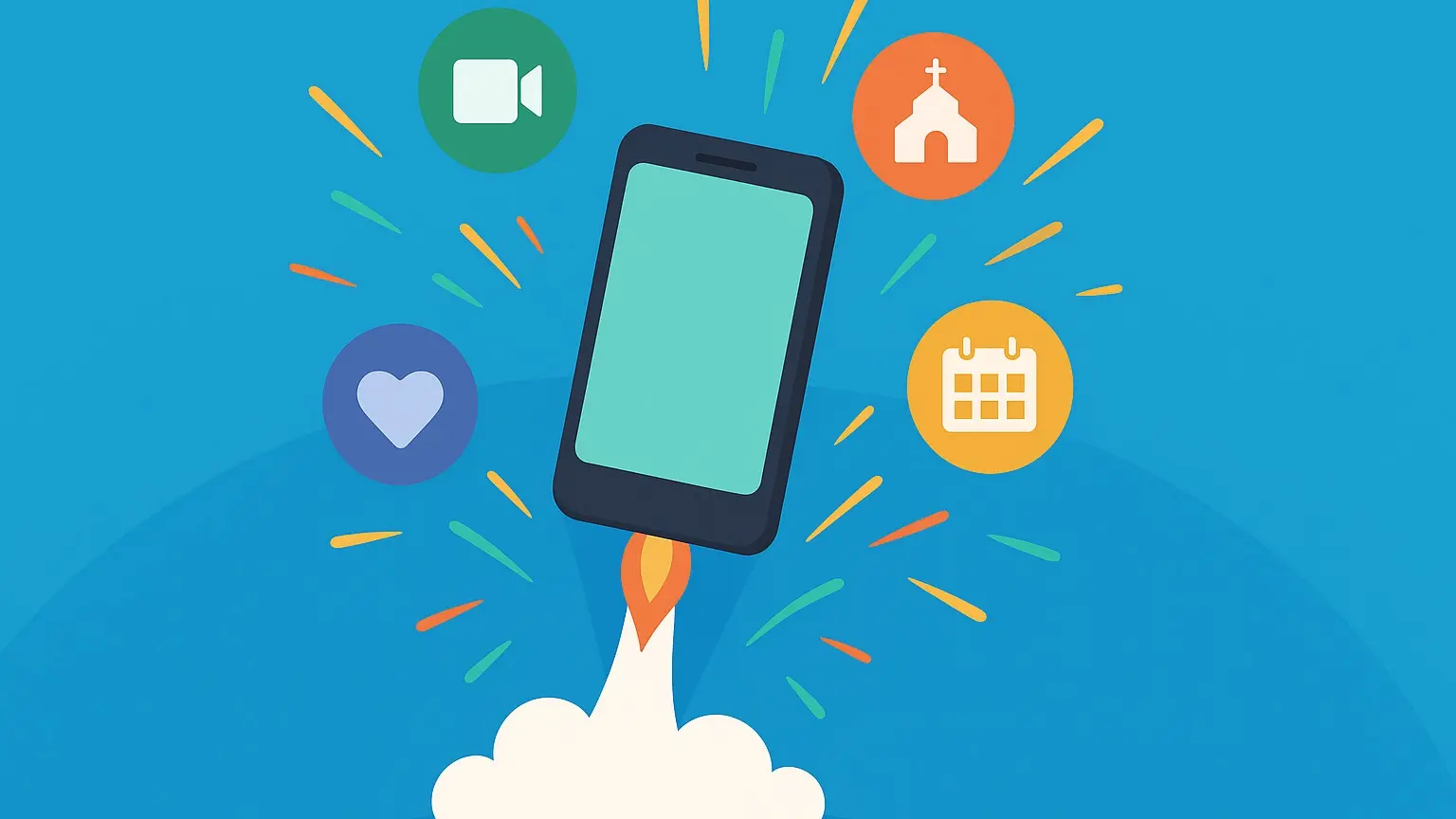
Building a church app can feel overwhelming, especially if you're not a developer. But it doesn’t have to be! With the right steps, you can create a powerful tool that helps people stay connected and access ministry resources right from their phones.
Click here for a downloadable version of our "7 Steps of Launching a Church App" guide!
Launch Your Church App in 7 Simple Steps
From the early planning stages, to announcing your new app to your congregation... here are 7 simple steps to launch your church app!
1. Planning
Start at the beginning: What do you want your church app to do?
Start by identifying your goals. Do you need it to help people find sermons, register for events, give online, or check in their children? The best apps start with a clear purpose. Talk with your team and jot down what would be most helpful for your people, and then prioritize those needs.

2. Play With Prototypes
Before you build anything, explore what’s possible.
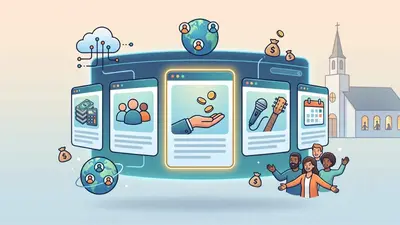
Use tools (or your church software’s app builder) to try out layouts, buttons, and page flows. Test how things look on different devices. Think of this as a “rough draft” of your app; nothing has to be perfect yet. Just get a feel for what works best for your church’s content and style.
3. Church App Design
Let your creativity shine!
Now it’s time to make it look and feel like *your* church. Add your logo, brand colors, and welcoming photos. Keep the layout simple; too much clutter will confuse people. Remember, your app should reflect your ministry and be easy for anyone to use, from a first-time visitor to a longtime member.
4. App Calls to Action
What do you want people to *do* with your app?
Every page should have a clear call to action... whether it’s “Watch this Sunday’s message,” “Join a small group,” or “Give now.” The more obvious and helpful the next step, the more your people will use the app consistently.
5. Test Drive With Ministry Leaders
Before you roll out the app to your whole church, share it with a small group of trusted leaders or staff. Ask them to use the app and give feedback. Are there any confusing sections? Are links working? This feedback phase is crucial to fixing issues before a full launch, and your leaders will also become your best promoters.
6. Launch It Loudly
Make your launch a celebration! Share download links or QR codes in your Sunday announcements, bulletins, emails, and on your website. Show a quick tutorial during service. The more excited you are, the more excited your people will be.
7. Keep it Fresh With The Latest Church News
The best church apps stay updated. Add new sermons, share weekly events, post announcements, and highlight opportunities to serve. Keeping your content fresh gives people a reason to return regularly, and helps your app remain a trusted resource for your members.
Tips for Launching Your Church App
- Plan a launch campaign: Treat your app launch like an event. Use announcements, social media, emails, and printed materials to create buzz.
- Make it easy to download: Share QR codes and direct links everywhere, bulletins, slides, website, and social channels, and remove any barriers.
- Train your team: Equip ministry leaders and volunteers with basic knowledge of the app so they can confidently guide others.
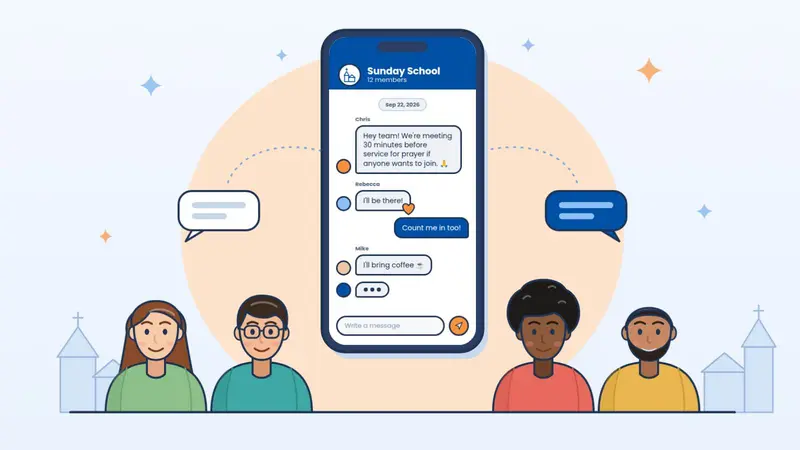
- Highlight key features: Focus on what matters most to your congregation, whether it’s online giving, event sign-ups, or sermon access.
- Gather feedback early: Encourage users to share thoughts and report issues so you can improve quickly.
- Keep communication open: Remind your church regularly about the app and new features through multiple channels.
It's Time to Launch Your Church App
Launching a church app doesn’t have to be complicated. When you break it down into clear steps and focus on serving your congregation well, it becomes a powerful tool for ministry.
So don’t wait. You’ve got the plan. You’ve got the tools. Now go launch an app your church will love!
3...2...1...LAUNCH!!!
Launching Your Church App FAQs
Here are some frequently asked questions about launching your church app...
What’s the best way to introduce our app to the church?
Start by building excitement. Mention it in your announcements, share it on social media, and show a short demo during your service. Use QR codes on bulletins and screens, and send an email with a direct link to the app. The more visible and accessible it is, the more people will use it.
How do we get people to actually use the app?
Show them why it’s helpful! Highlight features like sermon replays, giving, event sign-ups, or prayer requests. Encourage small group leaders and ministry teams to refer people to the app regularly so it becomes part of your church culture.
Should we launch with every feature ready?
No need to launch with everything at once. Start with the basics (like giving, sermons, and events) and add more features over time. A phased rollout lets people get comfortable without being overwhelmed.
What if people have trouble using the app?
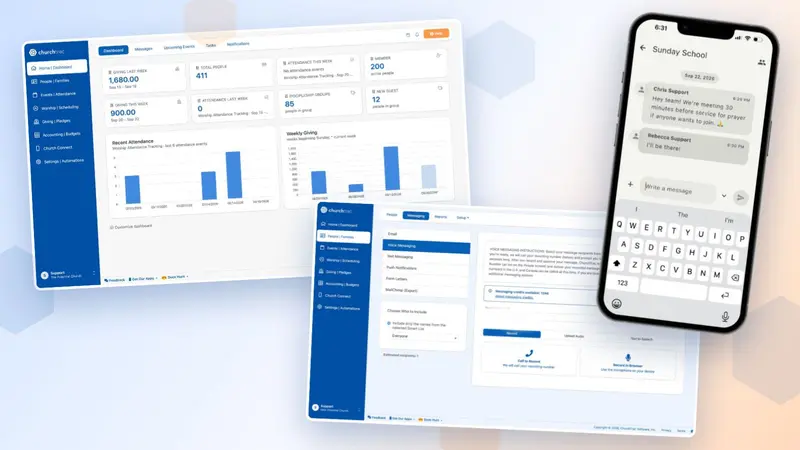
Before the full launch, have staff and key leaders test it and give feedback. Then, be ready to offer a short tutorial on a Sunday or post a quick video walkthrough online. Choose an app builder (like Church Connect) that’s simple and user-friendly so you can support people without needing a tech team.
How often should we update content after launch?
Consistently! Weekly updates keep your app relevant and show your church it’s worth using. Add new sermons, event reminders, announcements, and ways to get involved. A “living” app will keep people coming back.