How To Get Guest Info in 11 Seconds

By Rebecca Closser · 04/01/2021 · 1 min read
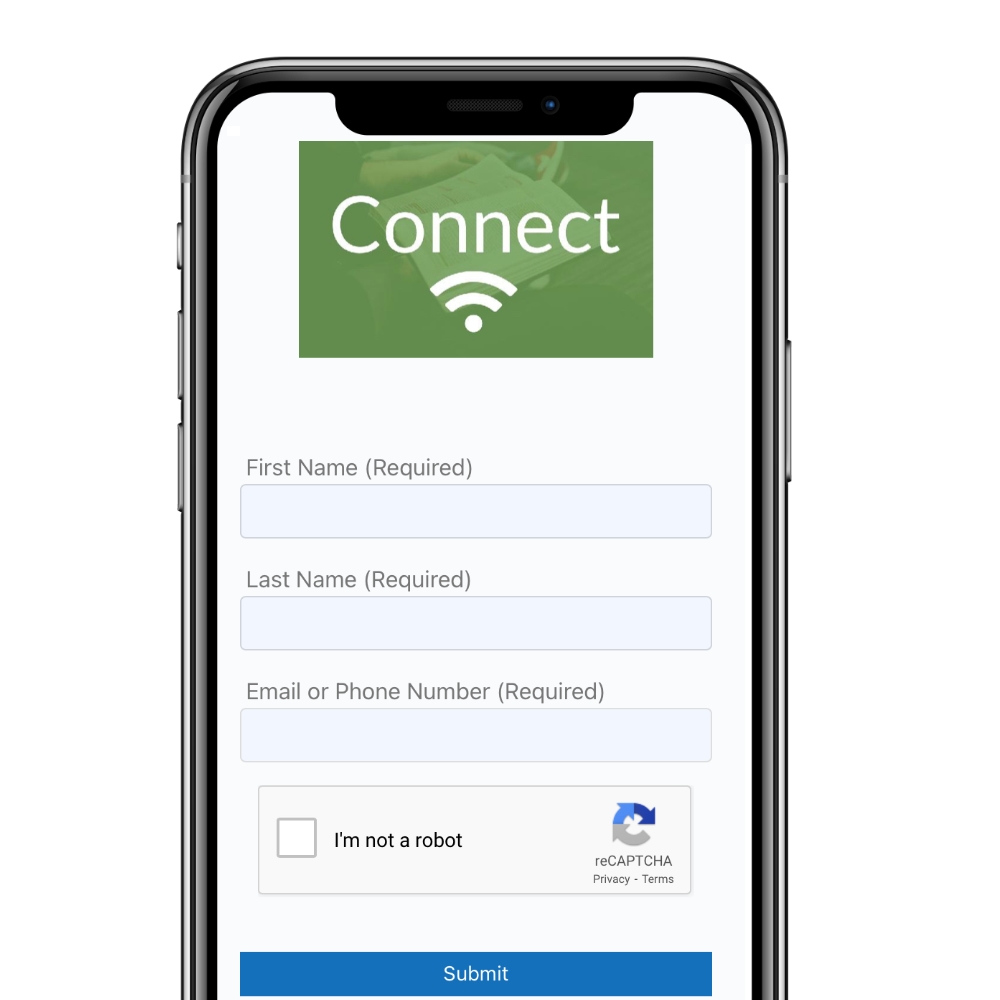
When we have guests attend our Easter Services physically or remotely, we want to be able to follow-up with them after. Here's how to make a digital Connect Card that your guests can fill out in 11 seconds or less directly from their smartphone.
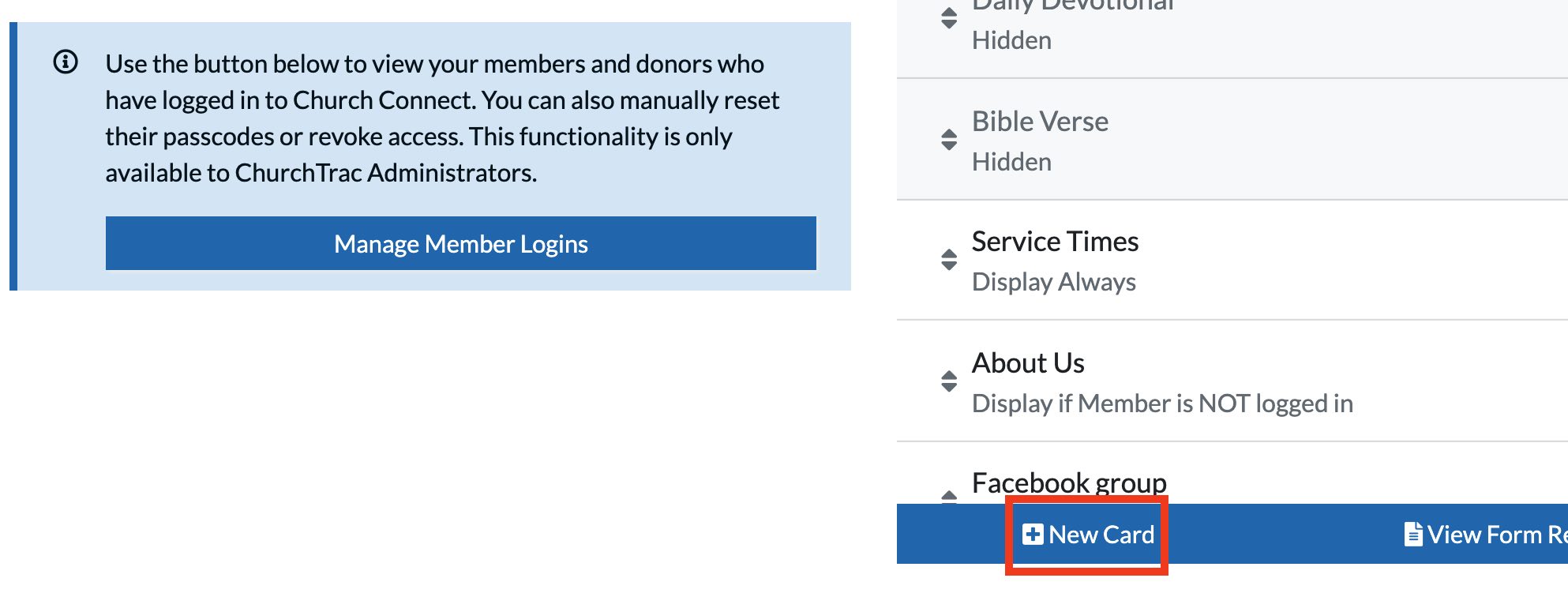
Step 1: Create a "Connect Card" Form Card
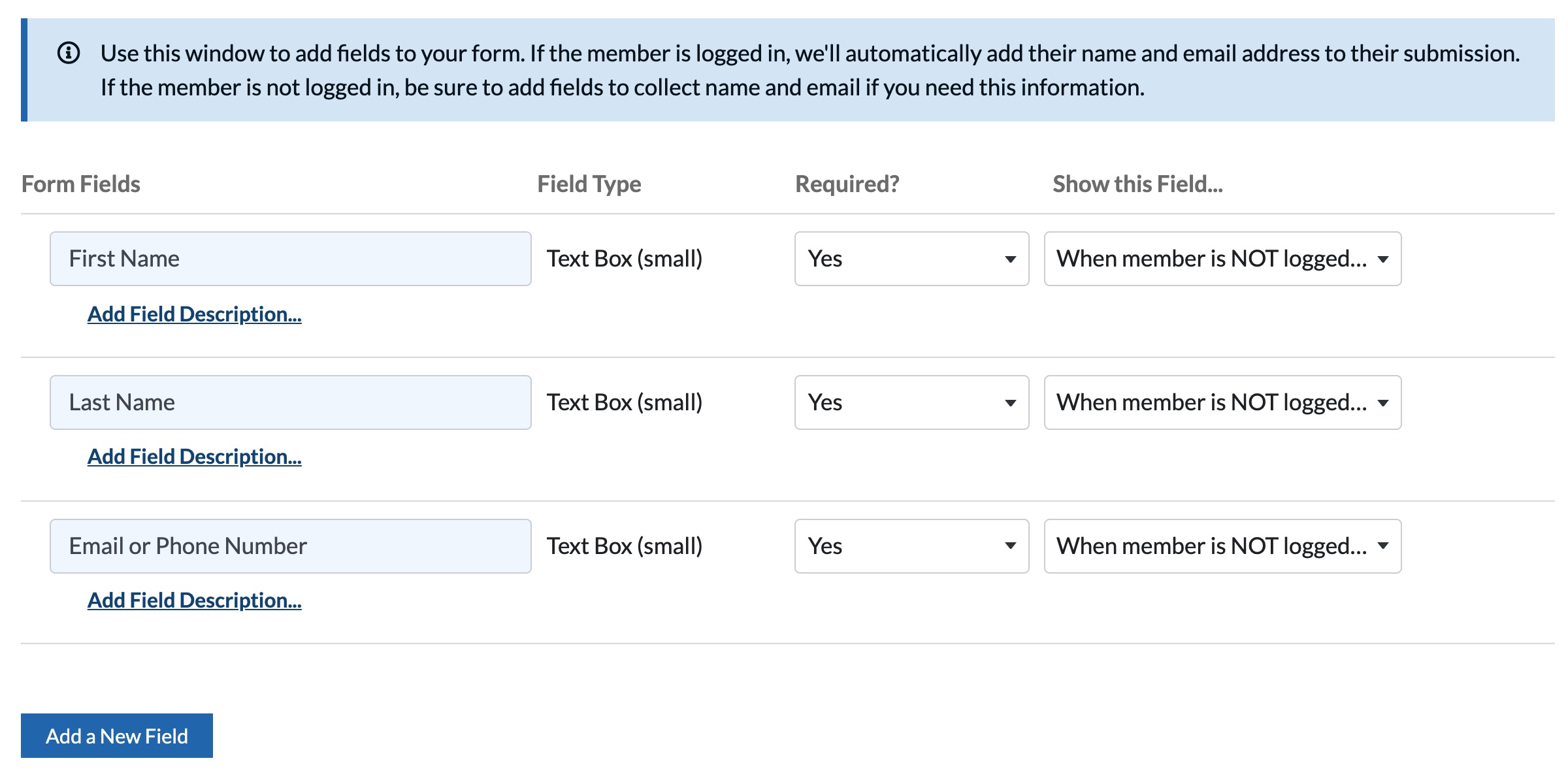
Step 2: Add 3 Fields
Step 3: Share your Church Connect QR Code
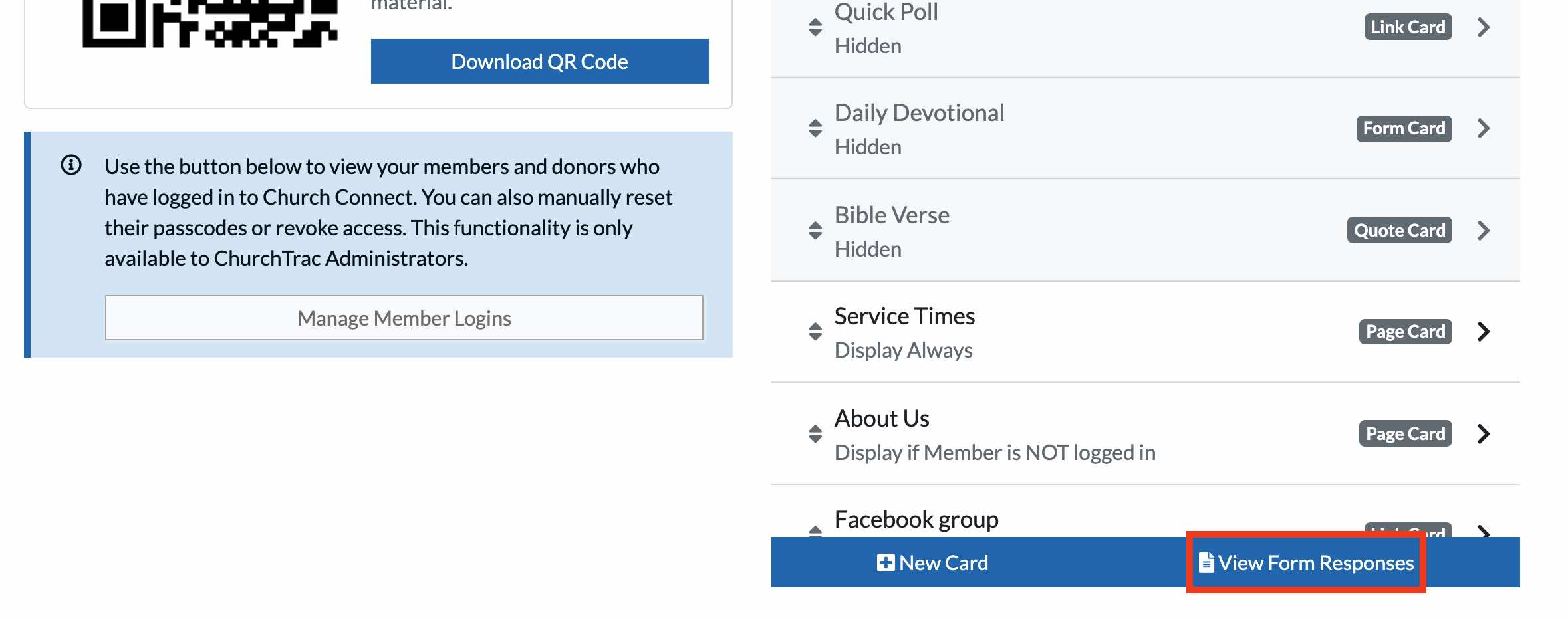
Step 4: View your Form Responses
Takeaway
When it comes to creating a digital form card for connecting with guests, this 3 field form is as simple as it gets. This is an extremely effective way of gathering guest's contact info that takes 11 seconds (or less) from start to finish! This was obviously the quick version. Learn how to create a form card in Church Connect today.