ChurchTrac Logo ChurchTrac Logo
Help & Resources
Help Center
Browse answers, or connect with our team
Watch our Videos
Watch our tutorials and live streams
Read the Blog
News, tips and the latest happenings
Hear Our Story
The 9 things that make us unique
Explore Plans & Pricing
Affordable options for every church
Pricing
Help Center
Browse answers, or connect with our team
Watch our Videos
Watch our tutorials and live streams
Read the Blog
News, tips and the latest happenings
Hear Our Story
The 9 things that make us unique
Explore Plans & Pricing
Affordable options for every church
Login
Start For Free
 Blog Home  /  New Feature: Automations

New Feature: Automations

profile-image
By Rebecca Closser | 11/30/2022
New Feature: Automations

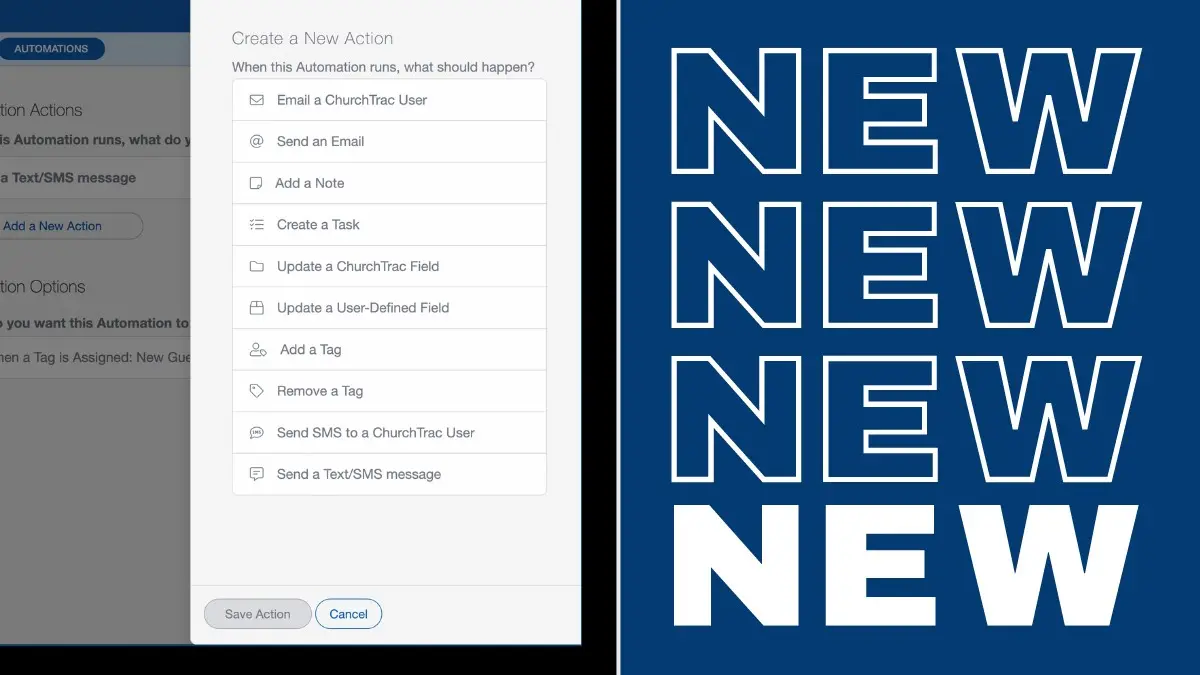
This year alone, we've come out with dozens of new features to help EQUIP your church to build the body of Christ. But there was still enough time to make just one more. Say hello to our latest (and maybe most powerful) feature yet: Automations.

What is Church Automation?

Automation is about working smart to get more things done. In ministry, this means using church automation software to do the mundane or repetitive admin tasks for you automatically. Things like sending follow-up emails, emailing a monthly giving report to the treasurer, text reminders to church leaders, adding tags, updating people fields, and a million other things that take up your time.

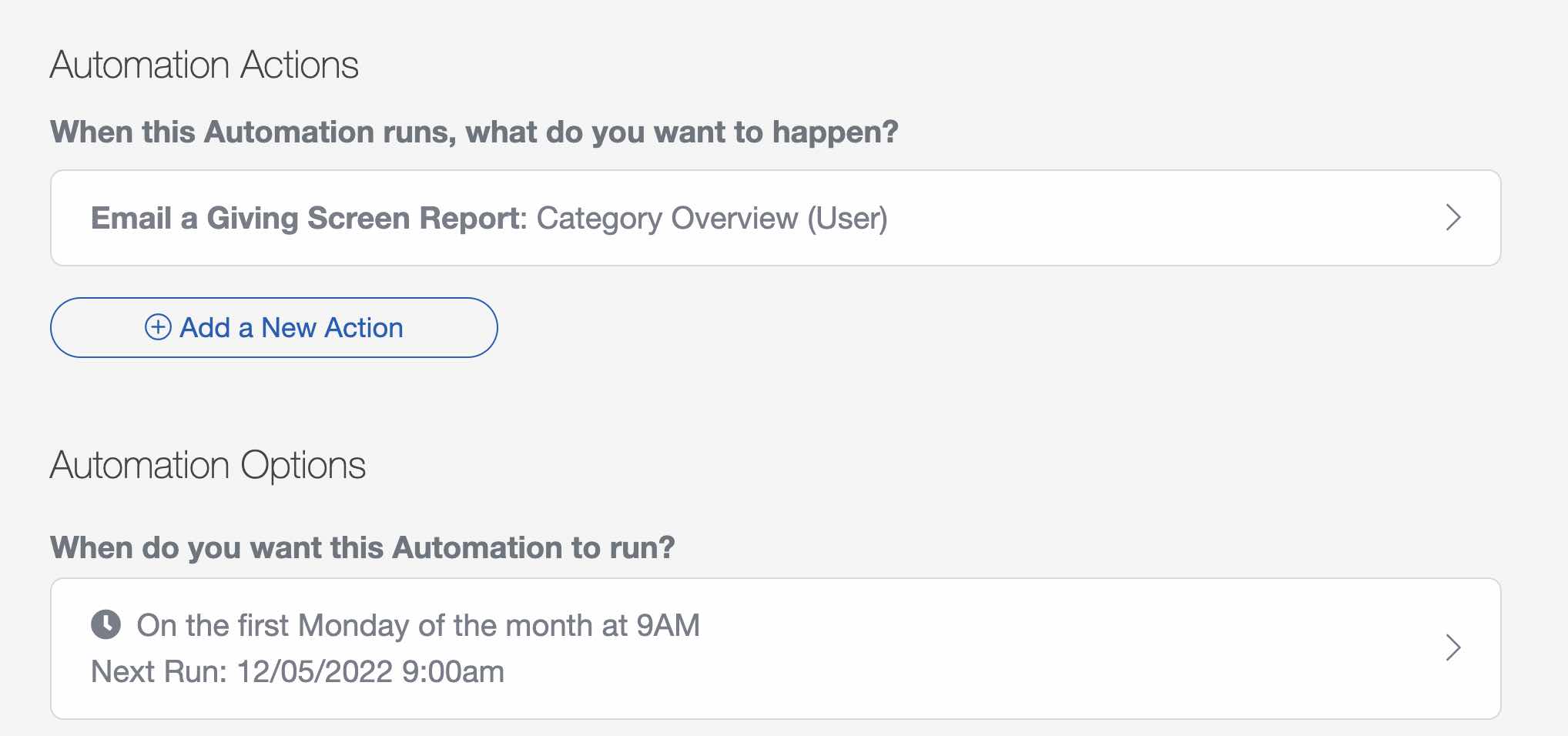
Here's an example of an automated report that gets sent to the treasurer every month ?

Church Automation Software

What makes ChurchTrac Automations so great?

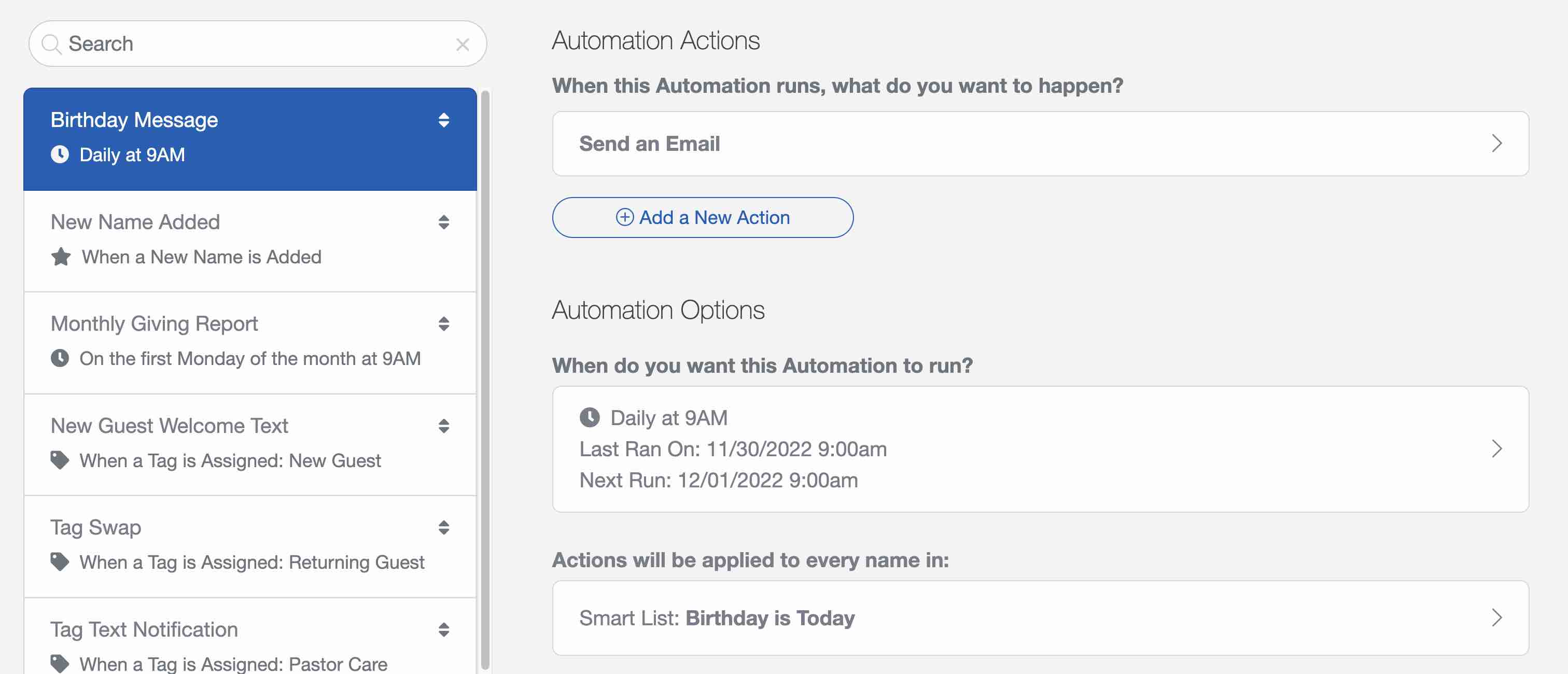
We made Automations to be Easy-To-Use (with pre-built templates) and Powerful (with deep customization for even the most advanced power users). Here's an automated birthday email that I added to my account in 20 seconds from a built-in template...
Church Automation Software

Seriously, that Birthday Message automation only took 20 seconds to make (I timed it)! Beyond automatic birthday messages, Automations can do things like...

  • Automatically create a task for a leader when a specific tag has been assigned to a person
  • Create recurring accounting transactions for all of your payees (Plus Subscriber Feature)
  • Email a monthly absentee report to a pastor on the first Monday of the month
  • Send a welcome text to a first-time guest on behalf of the pastor

How do I get started?

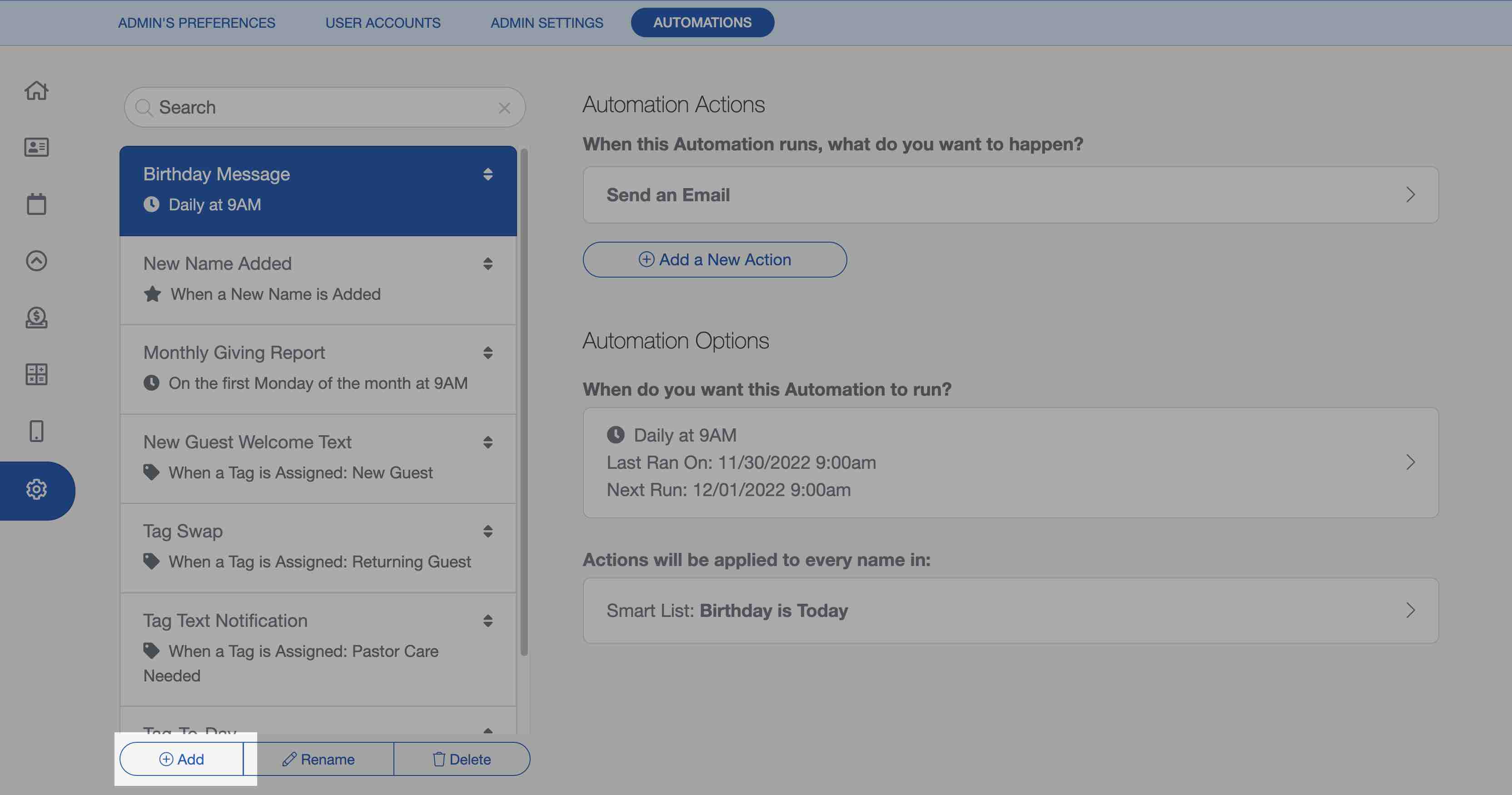
To get started using Automations, go to the Settings & Automations screen in the software and select the "Add" button to create your first automation.
Church Automation Software

We've also got a user guide article that has a video, showing you how to create and manage your automations. Once you create a few, you'll be an automation pro in no time!

We can't wait to see what you build ?

Start your free trial

Explore ChurchTrac for yourself by starting a free 30 day trial.

Get Started Now
ChurchTrac Logo

Your All-In-One Church Software.

Facebook Twitter Youtube Vimeo

Products & Features

Donations and Online Giving Church Website Builder Church App Builder People & Messaging Events & Attendance Child Check-In Church Automations Church Accounting Worship and Scheduling Custom Built Websites Accounting Service Security & Integrations

How We Compare

ChurchTrac vs Planning Center ChurchTrac vs Tithe.ly ChurchTrac vs Breeze ChurchTrac vs QuickBooks ChurchTrac vs Aplos See all comparisons

Software Solutions

For Church Plants For Small Churches For Mid-Size Churches See more solutions

Company

About ChurchTrac Terms of Service Privacy Policy Copyright Policy

Quick Links

Login to Your Account ChurchTrac Pricing Start a Trial Getting Started Join a Live Demo Contact Us | Tech Support

Recent Posts

  • My Favorite Student Ministry Podcasts So Far
  • The Best Teen Study Bibles
  • The Best Giving Platform for Small to Mid-Size Churches?
  • All Be Free: A Patriotic Christian Song Focused on Christ
  • Common Scams That Target Churches — How To Protect Yours
  • View more blog posts...