ChurchTrac Logo ChurchTrac Logo
Help & Resources
Help Center
Browse answers, or connect with our team
Watch our Videos
Watch our tutorials and live streams
Read the Blog
News, tips and the latest happenings
Hear Our Story
The 9 things that make us unique
Explore Plans & Pricing
Affordable options for every church
Pricing
Help Center
Browse answers, or connect with our team
Watch our Videos
Watch our tutorials and live streams
Read the Blog
News, tips and the latest happenings
Hear Our Story
The 9 things that make us unique
Explore Plans & Pricing
Affordable options for every church
Login
Start For Free
 Blog Home  /  Software Update: Bank Sync

Software Update: Bank Sync

profile-image
By Weston Williamson | 12/06/2023
Software Update: Bank Sync

We are excited to announce the release of Bank Sync.

Long story short: Bank Sync enables you to connect and sync transactions from your church bank account to ChurchTrac.

Keep reading to learn more about it...

What Is Bank Sync?

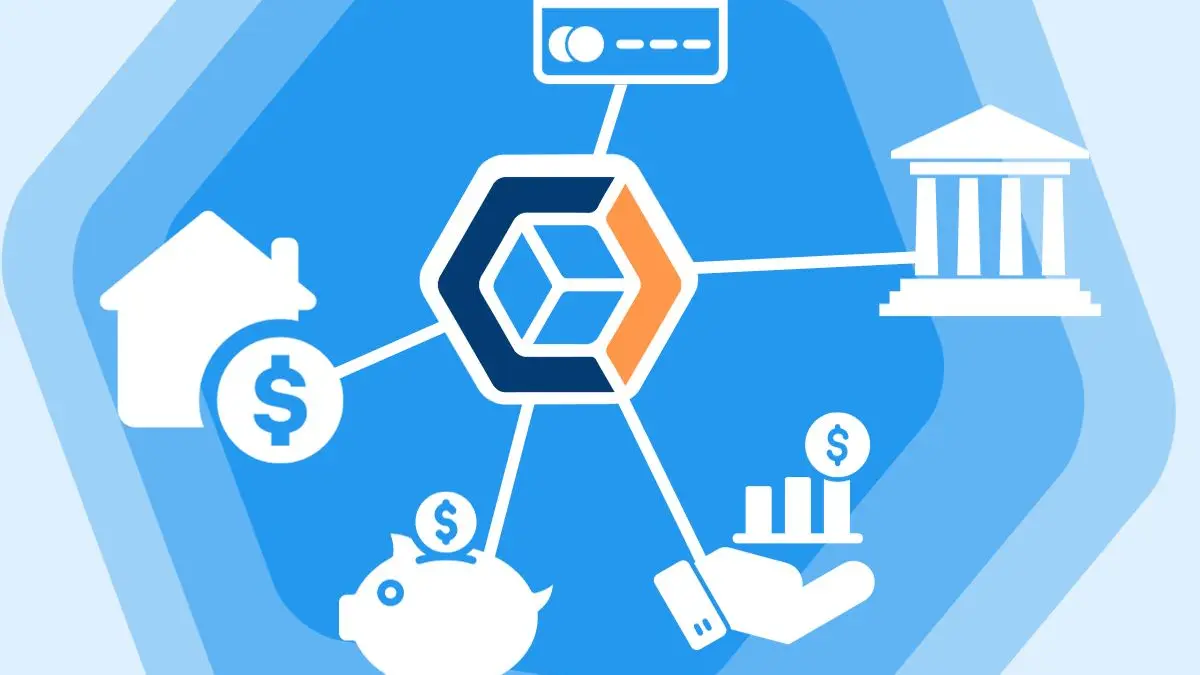
Bank Sync enables you to connect your church bank account(s) to an account in ChurchTrac. Once connected, you can sync transactions from your bank to a specific account in ChurchTrac.
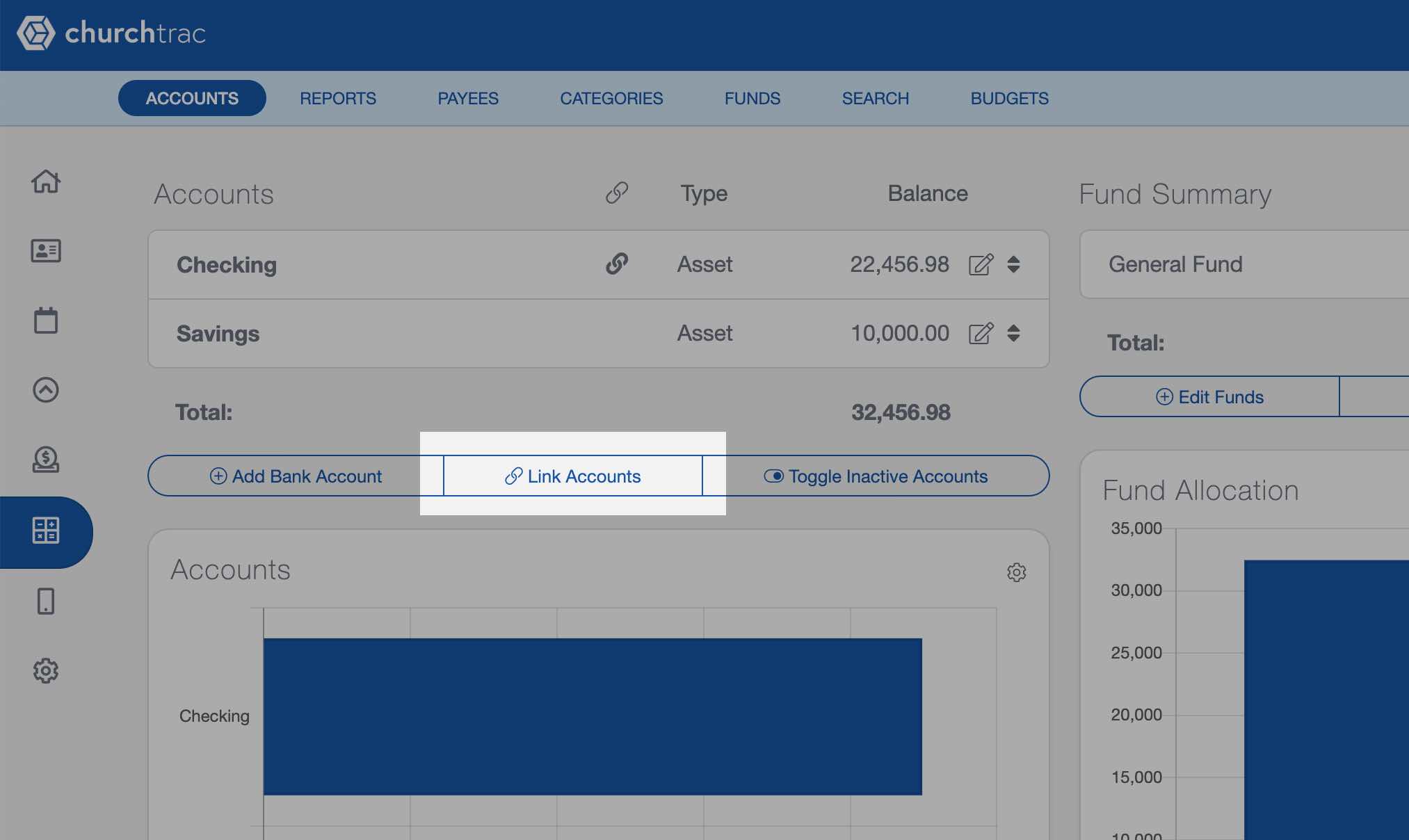
Linking your church bank account using ChurchTrac Accounting Software

Bank Sync + Import Rules

Along with the ability to sync your accounts to ChurchTrac, we've also added the ability to create import rules (also known as banking rules). After all, what good would a feature like this be if you couldn't automate things and save time?
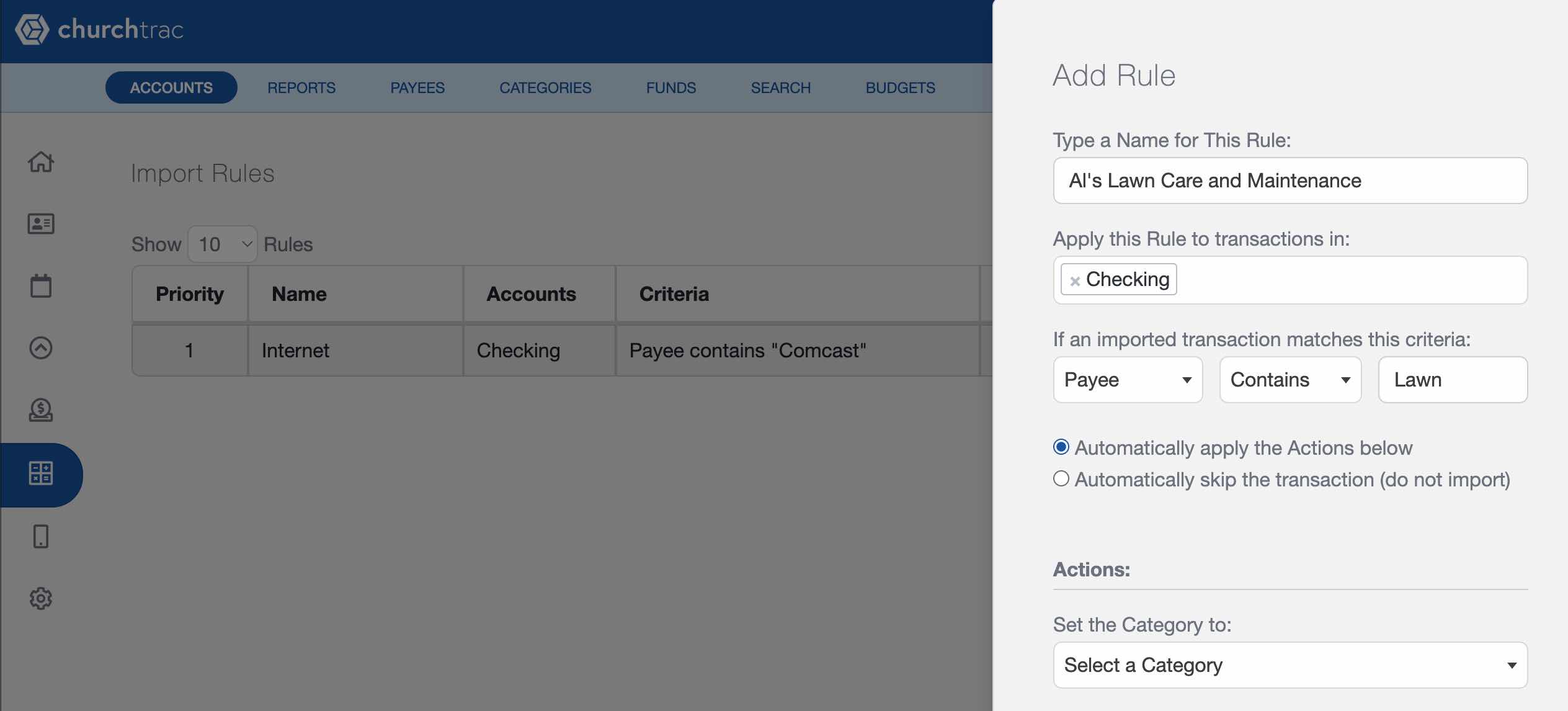
Banking rules in ChurchTrac Software

Just an FYI, these banking import rules work for regular bank imports too. Can I get an AMEN?

Church Bookkeeping: More Simplified

Bank Sync eliminates the need to add transactions manually or import your monthly bank statements. Use Bank Sync to add transactions from multiple account types such as...

  • Checking Accounts
  • Savings Accounts
  • Credit Cards
  • Building Loans or a Mortgage
  • Money Market Accounts

How to Get Started with Bank Sync?

To use BankSync, select the "Link Accounts" button in the Accounting screen. Here you have the option to select the account(s) you wish to add.
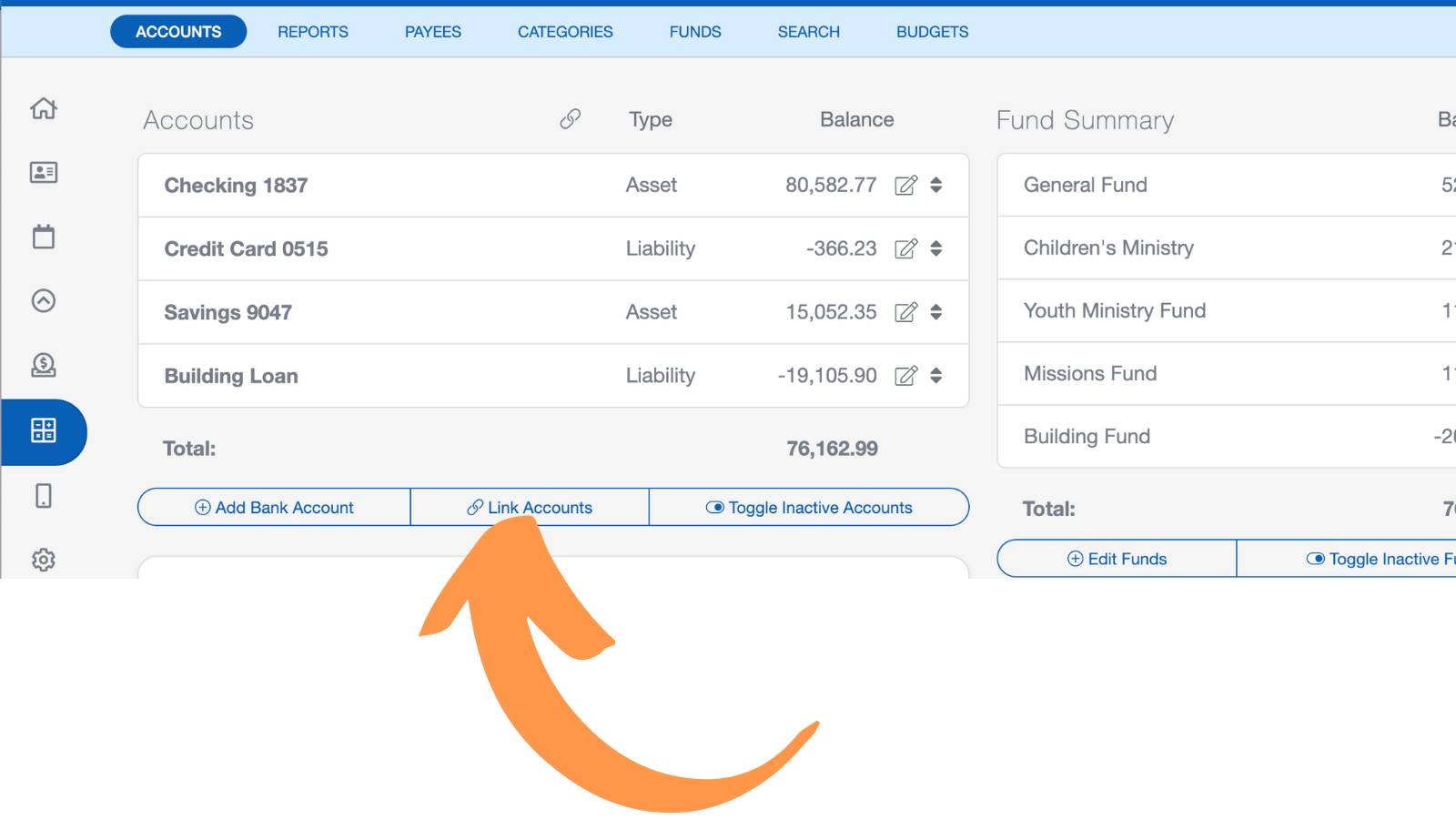
Start using ChurchTrac Bank Sync

*Churches on an older plan will need to upgrade their ChurchTrac subscription to the newest Plus plan to have access the Bank Sync (and dozens of other features they've been missing out on).

Upgrade to ChurchTrac Plus

BankSync is only available on ChurchTrac Plus. Upgrade to ChurchTrac Plus to enjoy all of our amazing Church Accounting Software features that give you the ability to...

  • Track church funds
  • Manage your ministry expenses
  • Create a church budget
  • Print checks and more

ChurchTrac Plus isn't just about accounting. It also includes worship planning and volunteer scheduling. You can upgrade today within the application.

Happy Syncing!

Start your free trial

Explore ChurchTrac for yourself by starting a free 30 day trial.

Get Started Now
ChurchTrac Logo

Your All-In-One Church Software.

Facebook Twitter Youtube Vimeo

Products & Features

Donations and Online Giving Church Website Builder Church App Builder People & Messaging Events & Attendance Child Check-In Church Automations Church Accounting Worship and Scheduling Custom Built Websites Accounting Service Security & Integrations

How We Compare

ChurchTrac vs Planning Center ChurchTrac vs Tithe.ly ChurchTrac vs Breeze ChurchTrac vs QuickBooks ChurchTrac vs Aplos See all comparisons

Software Solutions

For Church Plants For Small Churches For Mid-Size Churches See more solutions

Company

About ChurchTrac Terms of Service Privacy Policy Copyright Policy

Quick Links

Login to Your Account ChurchTrac Pricing Start a Trial Getting Started Join a Live Demo Contact Us | Tech Support

Recent Posts

  • My Favorite Student Ministry Podcasts So Far
  • The Best Teen Study Bibles
  • The Best Giving Platform for Small to Mid-Size Churches?
  • All Be Free: A Patriotic Christian Song Focused on Christ
  • Common Scams That Target Churches — How To Protect Yours
  • View more blog posts...