Video Card in Church Connect

You've been asking for it, and now it's finally here...
We're so excited to announce our new card type for Church Connect. Now, when you click the "New Card" button to add a card to your Connect page, you can choose the Video Card option!
Why video cards?
We added this option because it gives you another opportunity to make your Church Connect that much more functional. Whether you use Church Connect as a website for your church or use it as an app for your members, it's another way to add content that increases the value of your Connect Page. That improves the chances potential guests visit your church and members use the church app.
Ways to use them
You can add most videos from Youtube and Vimeo to this card. You only have to double-check and make sure the video is not set as "private". As long as it is a "public" video, adding it to your Connect page is a breeze.
Some suggestions of what videos you could add:
- The most recent sermon, so people who missed can catch up
- A testimony video, sharing what God has done for your members
- A highlight reel video from VBS or youth camp
- Any video the pastor used during service
- A welcome video for guests to watch that introduces them to the church before they attend
It's up to you what video you add. If it suits the needs and mission of your ministry, add it on your Connect page.
How do I add a video to Church Connect?
I'm glad you asked! We have a great article on our user guide with instructions. If you have further questions, reach out to our support team.
One last thing...
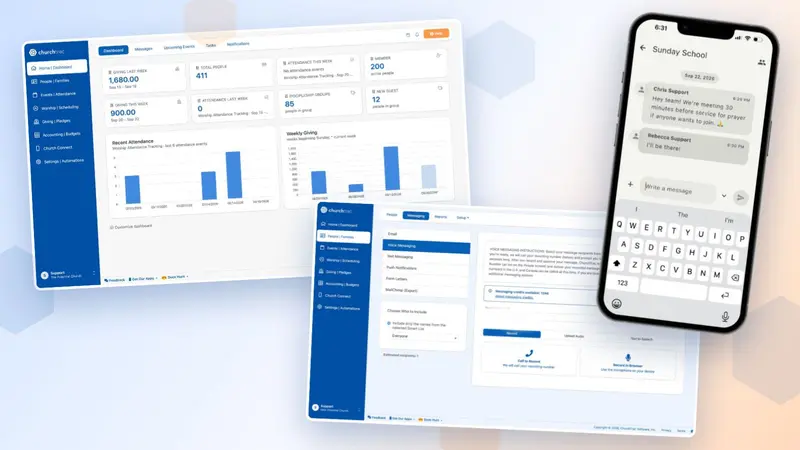
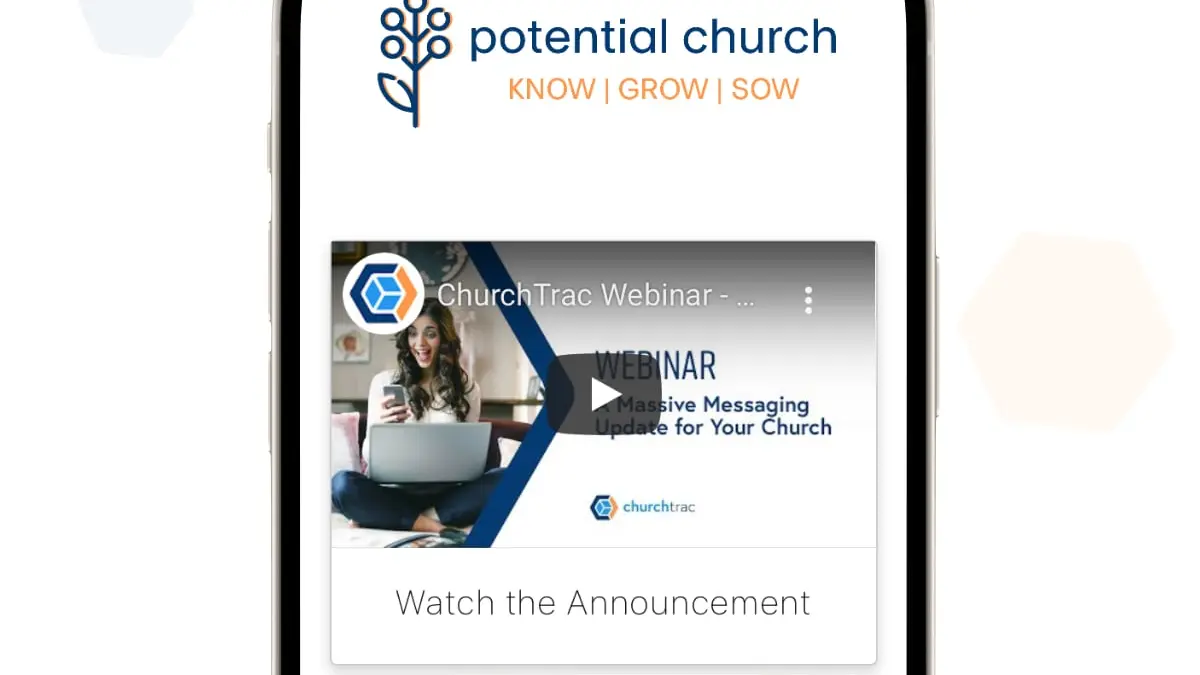
In case you've missed it, we've been crazy busy adding new features. For instance, we've taken our Messaging platform to the next level! Watch our recent webinar to learn more.
Till next time 👋