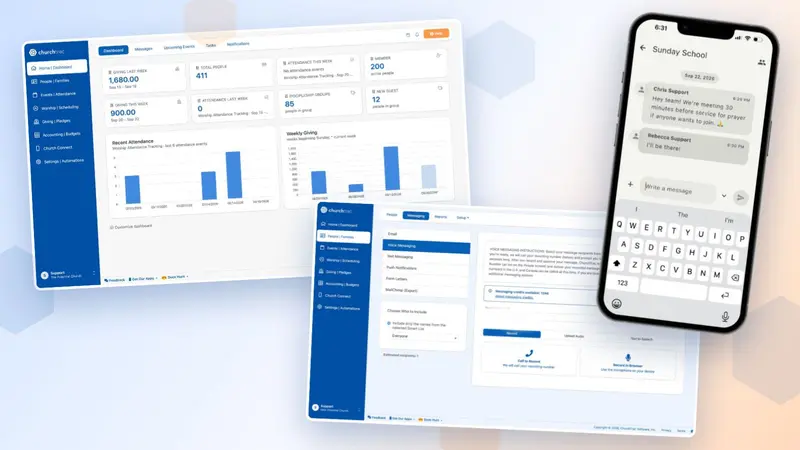
Fall Accounting Updates 2026

- ChurchTrac can now import PDF bank statements.
- New accounting setup can be done in under 30 minutes.
- Other enhancements have been added to speed up data entry, auto-reconcile transactions, and more.
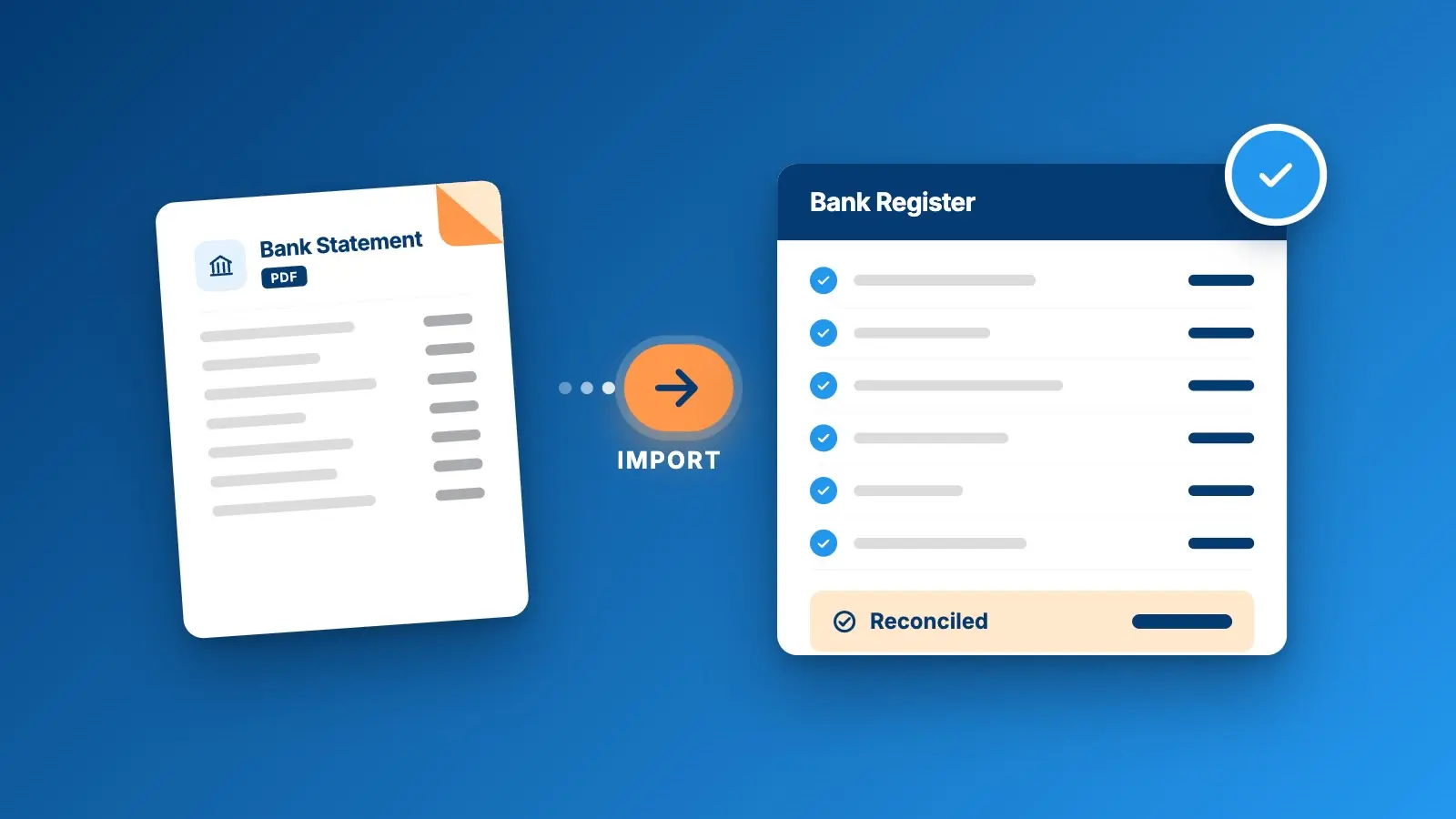
Whether you are a seasoned church bookkeeper or a volunteer treasurer, this fresh wave of accounting updates is for you.
The best part? You can start using them today!
Upload PDF Bank Statements (New)
PDF bank statements can now be uploaded directly into ChurchTrac.
This reduces the amount of steps necessary for accounting setup while simplifying importing directly from the bank:
-
The Accounting screen can now read your PDF statements and pull the transaction data into ChurchTrac.
-
You will be notified when an uploaded transaction matches an existing payee or import rule, so duplicate entries are avoided.
-
ChurchTrac will match up the correct balances to the correct accounts on your bank statements.
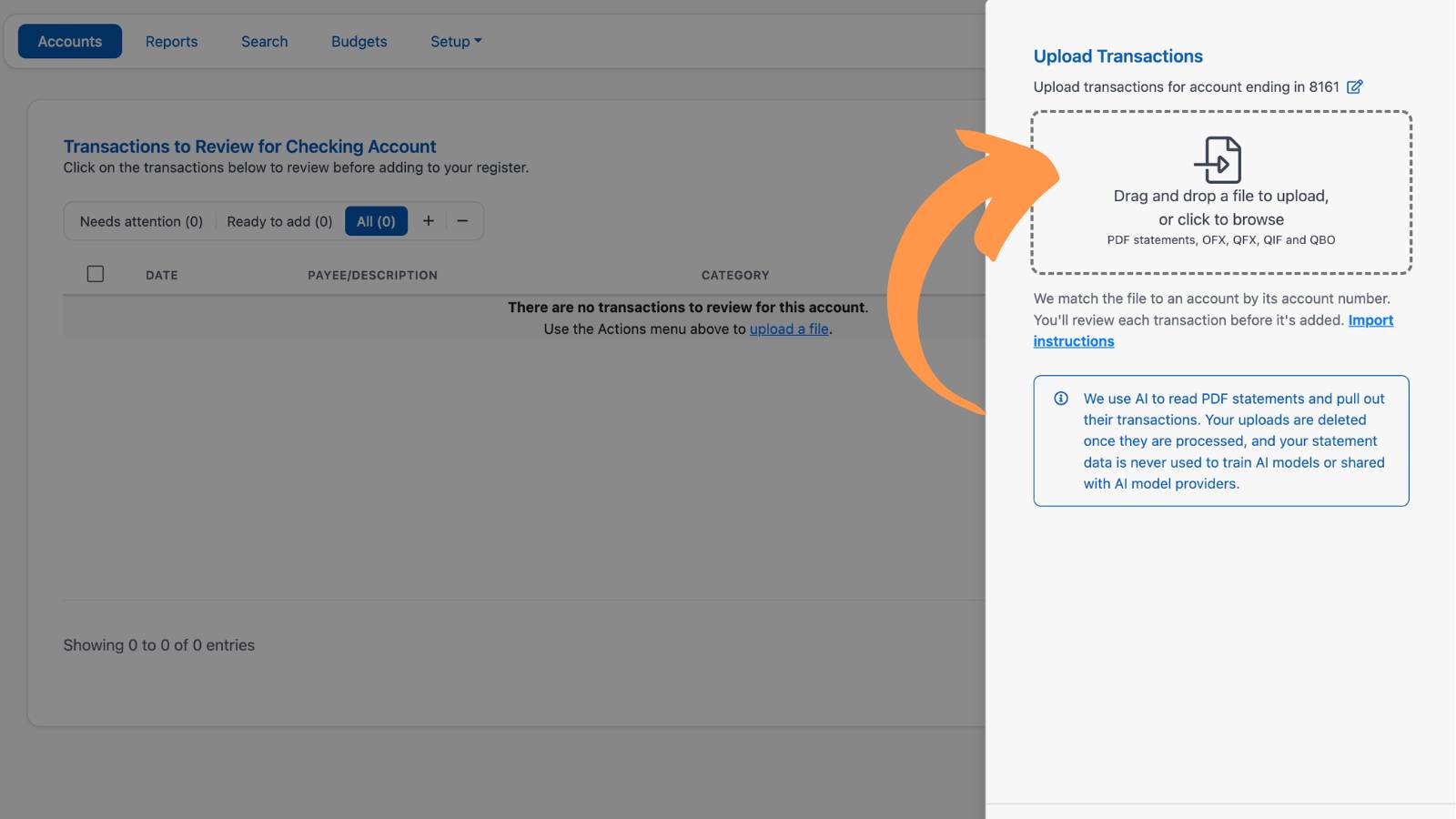
Setting up accounting from scratch?
The PDF import simplifies your overall setup by creating your bank accounts, setting beginning balances, and adding your first month of transactions.
Automatic Bank Reconciliation (New)
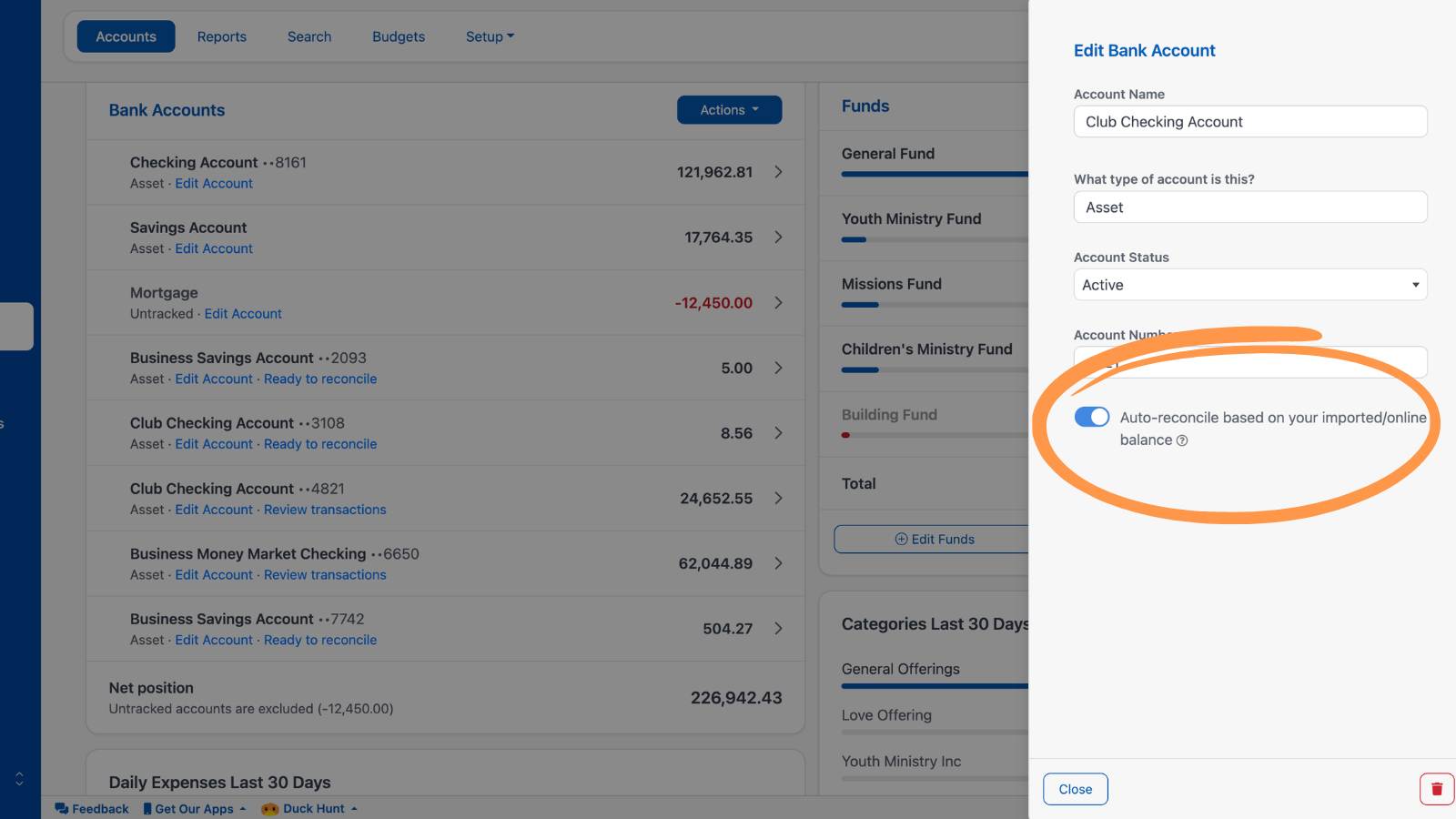
When uploading PDF bank statements, you now can turn on automatic reconciliation per account.
Automatic reconciliation will whittle down precious time spent comparing statements with registers into mere minutes of clicking. Here's what it does:
-
Transactions can be reconciled automatically for you based on the PDF bank statement provided.
-
ChurchTrac will alert you if a statement is missed or if the reconciliation is not complete by comparing it to the bank statement, saving you from backtracking through errors.
-
Reconciliation reports are now also provided as you reconcile.
Simply edit your bank account, and turn on the Auto-reconcile feature.
Bank Register Enhancements
The register itself also contains brand new features to increase the speed and accuracy of accounting:
-
You can switch from one account to another without returning to the main Accounting screen.
-
Transactions can be quickly edited directly from your import review.
-
Keyboard shortcuts can now be used when adding a transaction (a MUCH requested feature).
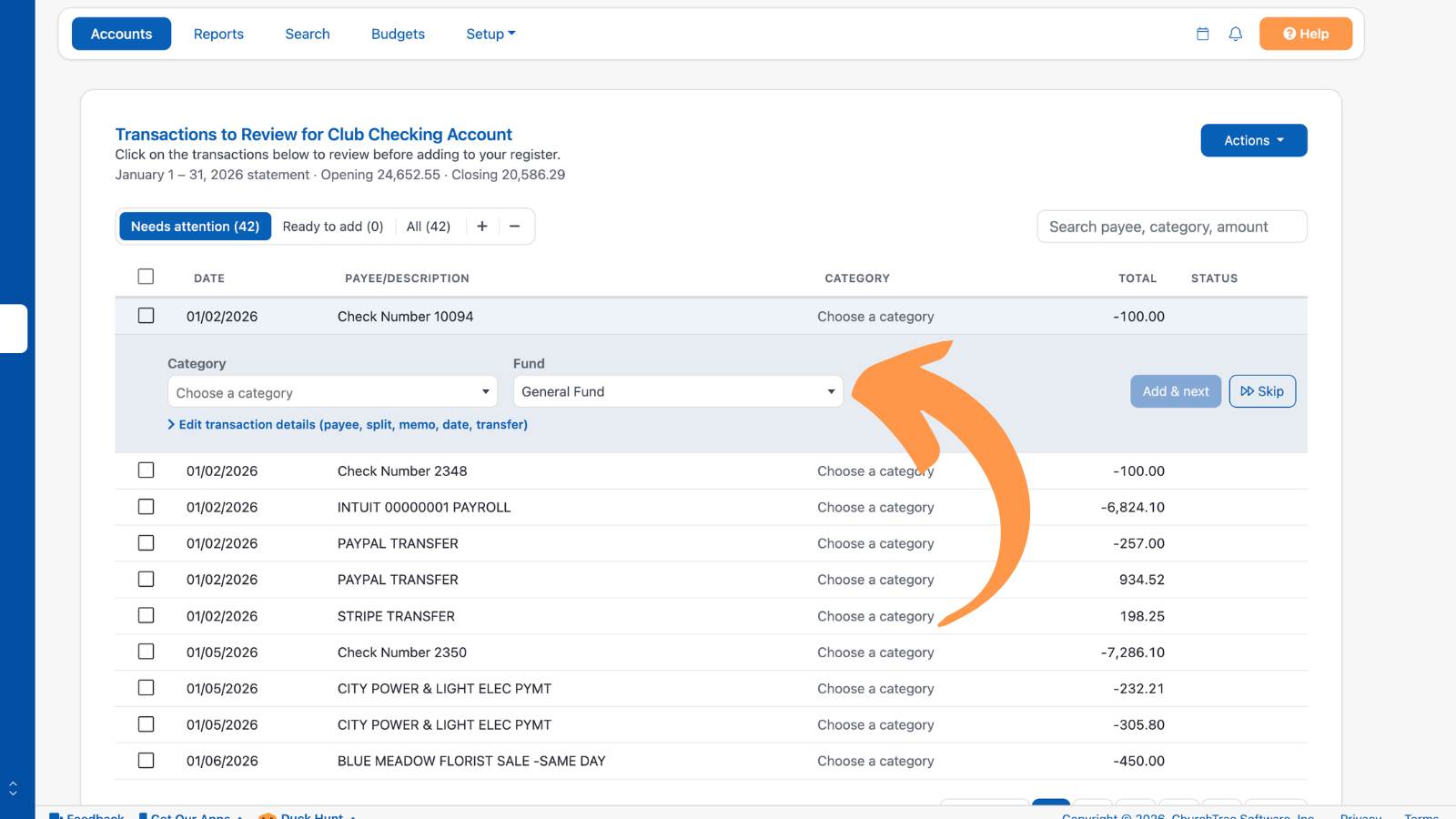
Since many of these new features revolve around adding transactions, you can check out our importing transactions article to dive deeper.
Feature Availability
All of these new accounting features are available to all ministries on current ChurchTrac subscription pricing.
If you are on a legacy pricing plan, the PDF import and auto-reconciliation features will require you to upgrade your ChurchTrac subscription.
Thank you to everyone who shares feedback and feature requests with us. We use your ideas to craft and share these amazing new features with you.
Happy bookkeeping!


FAQs
The PDF import and auto-reconciliation features are only available for ministries on the most current ChurchTrac subscription pricing. You will be automatically prompted to upgrade if you are on a legacy subscription.
Yes. ChurchTrac's PDF importing feature leverages a secure and encrypted AI to parse through your accounts and all of the transaction details to properly import them into your bank register.
The auto-reconcile feature is off by default and you can turn it on or off at any time.